Skip to content
View in the app

A better way to browse. Learn more.

LCPDFR.com

A full-screen app on your home screen with push notifications, badges and more.

To install this app on iOS and iPadOS
  1. Tap the Share icon in Safari
  2. Scroll the menu and tap Add to Home Screen.
  3. Tap Add in the top-right corner.
To install this app on Android
  1. Tap the 3-dot menu (⋮) in the top-right corner of the browser.
  2. Tap Add to Home screen or Install app.
  3. Confirm by tapping Install.

AustinC07

Members
  • Joined

  • Last visited

Everything posted by AustinC07

  1. Fixed! Outdated dll file.
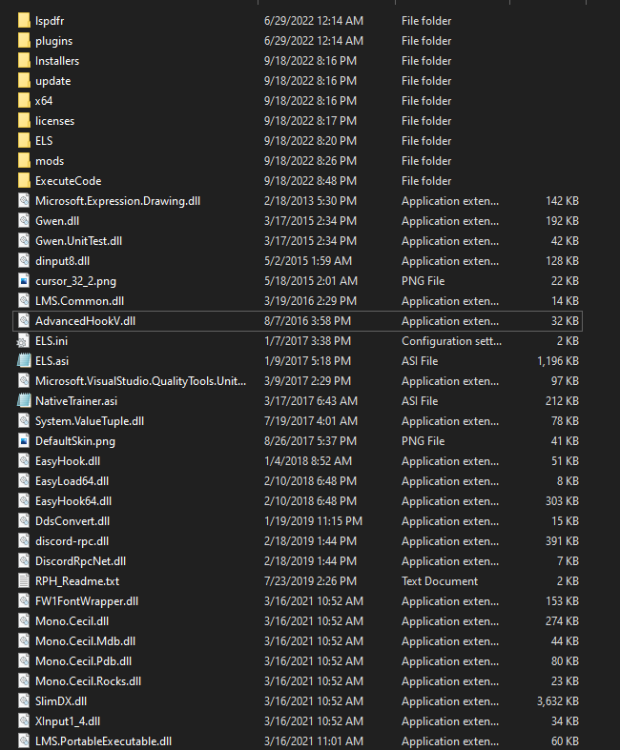
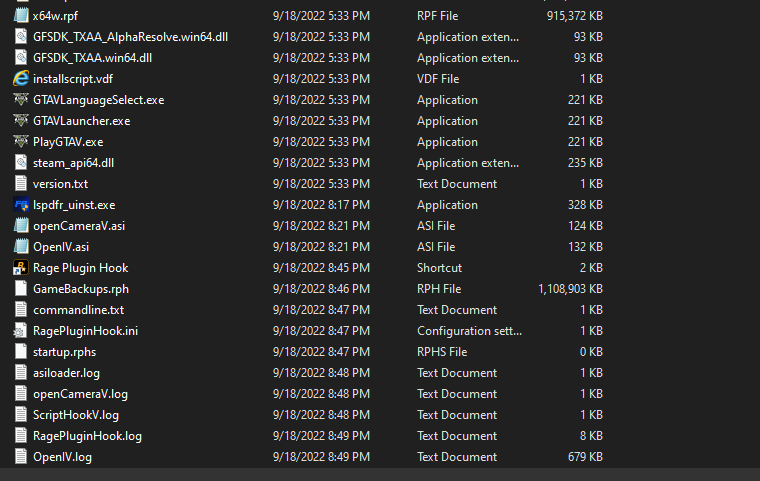
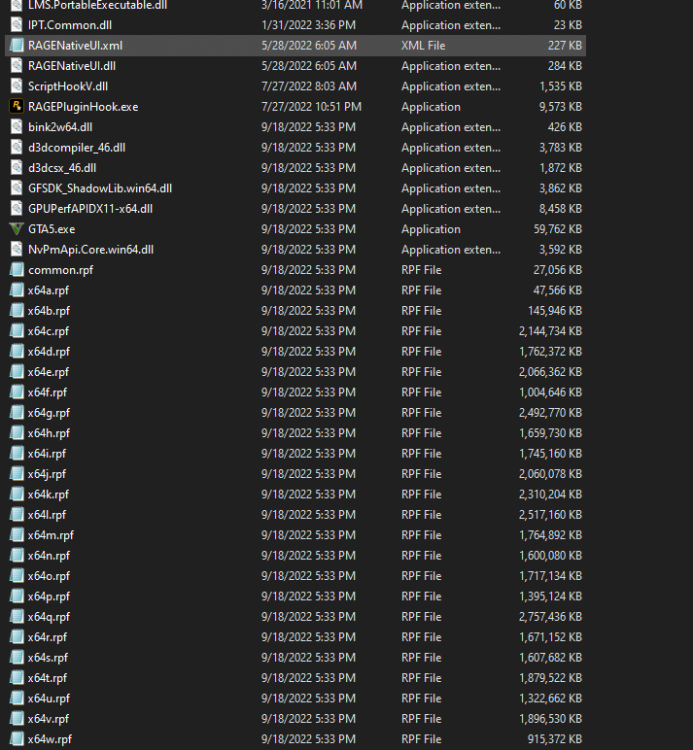
  2. All mods should be installed correctly (per tutorials) and it cant be a plugin because they arent loaded on startup. Maybe a outdated DLL that I accidentally installed? RagePluginHook.log ScriptHookV.log asiloader.log Here some pictures of my GTA Files
  3. Fixed it, els was bugged
  4. The log in the root folder seems to say the same thing as the one in logs RagePluginHook.log
  5. Oh, okay ill try that sorry
  6. I don't see any errors in the log could it be rage plugin itself?
  7. Not sure whats causing it RagePluginHook_17092022_071902.log
Account

Navigation

Search

Search

Configure browser push notifications

Chrome (Android)
  1. Tap the lock icon next to the address bar.
  2. Tap Permissions → Notifications.
  3. Adjust your preference.
Chrome (Desktop)
  1. Click the padlock icon in the address bar.
  2. Select Site settings.
  3. Find Notifications and adjust your preference.