
Dannyy
Members
-
Joined
-
Last visited
Everything posted by Dannyy
-
 Seems to be broken by yesterdays update:)
 -
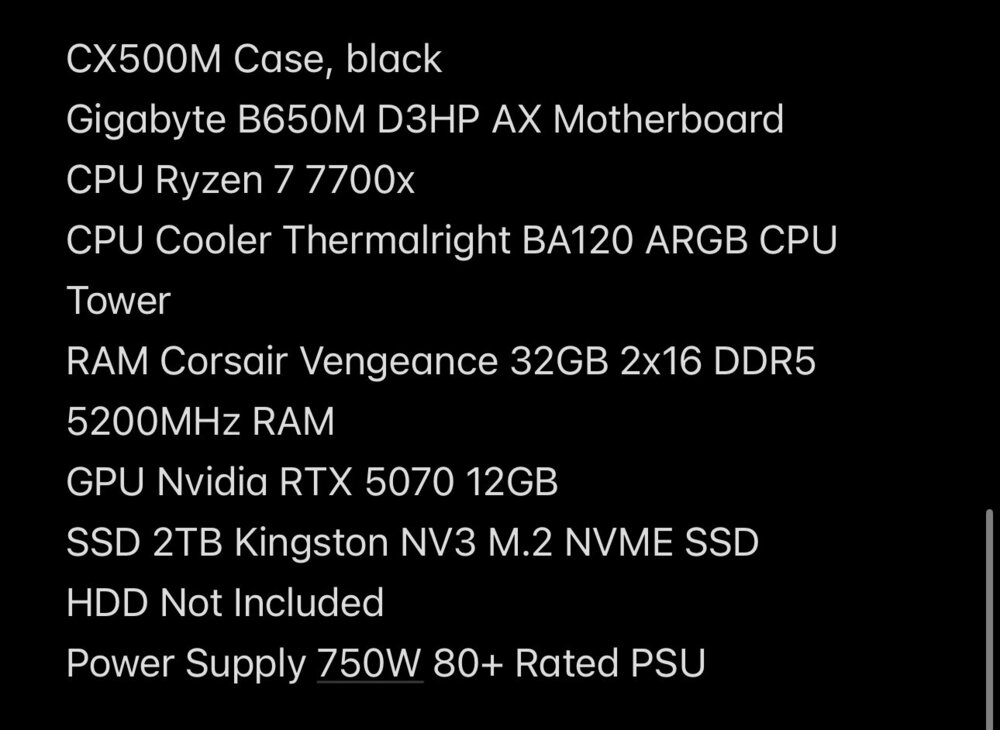
Not sure what you mean by the Motherboard only supporting 16GB of RAM? If you could elaborate, that would be great, thanks:)

-
I'm pretty sure the CPU I've chosen only supports up to 5200MHz RAM. Not too worried about the PSU, as I've been suggested a 750W should be sufficient, but then again I'm also no expert haha
-
Currently in the process of purchasing a PC with an RTX 5070 & Ryzen 7 7700x (full build specs attached as screenshot). Wondering if this is a good pairing, any changes or suggestions and is it good value? I assume this would run LSPDFR w plugins, graphics, vehicles, etc pretty smoothly considering I’m upgrading from a GTX 1660 which can achieve 45-50FPS with Reshade & plenty plugins/add-ons Thanks! Build cost £1200
-
 If you find the texture that needs replacing in the .ytd, select it and then use the replace button in the top right corner:)
 -
Sorry, never saw this message. I'll update shortly with a Baseball hat & beanie:) Edit: Now updated!
-
Belts are paid, available below🙂 https://www.thinlinesanctuary.com/collections/3d-models/products/ae-duty-belt-package
-
 mines free tbf 😜
 -
It’s from Sky’s 2.0 Osceola pack, its only available on Discord atm but in the read me file theres a link to it 🙂
-
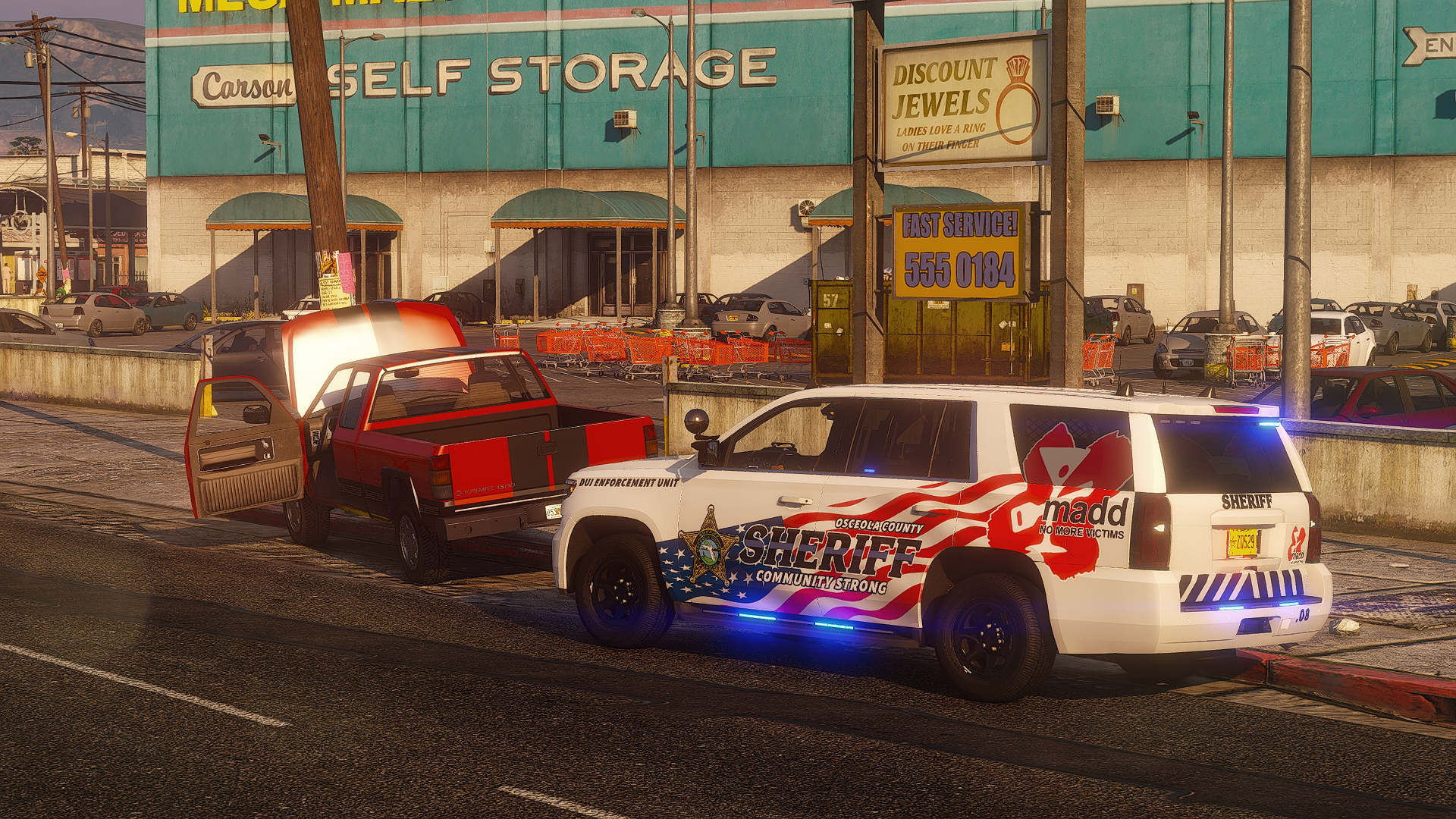
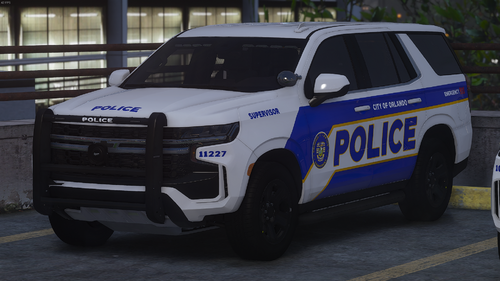
5 variants included, they are: Patrol Patrol - Supervisor Patrol - Airport Division K9 Unit - Supervisor K9 Unit - Airport Division Please be aware that these will only work with Raz3r's UPDATED Tahoe base, as the template is different on the older version I'm currently using Photoshop by creating new accounts with free trials to make things, so anything towards an annual subscription would greatly help! If you would like to support me, you can do so here Any questions, suggestions, requests or problems, let me know! 🙂 Discord: dannyy21__
-
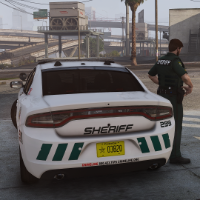
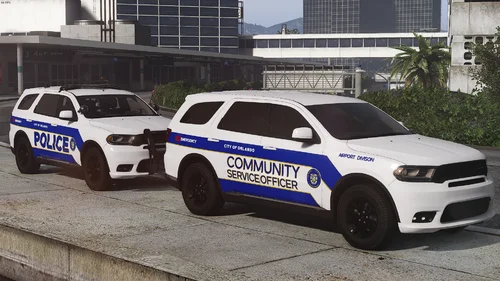 Includes 3 variants: Patrol, Community Service Officer (CSO) & CSO Airport Division Ignore Division misspelling in screenshot, it's been fixed on the actual texture fml 2023 OPD tahoe coming soon tho To be used with GM's Durango base. Do not edit or redistribute Any questions, suggestions, requests or problems, let me know! 🙂 Discord: dannyy21__
 -
From the album: Florida
-
From the album: Florida
-
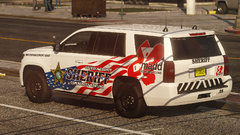
From the album: Florida
-
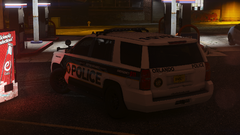
From the album: Florida
-
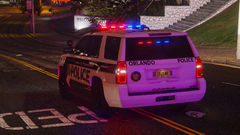
From the album: Florida
-
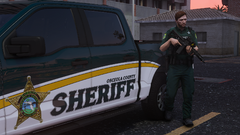
From the album: Florida
-
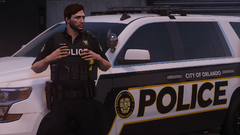
From the album: Florida
-
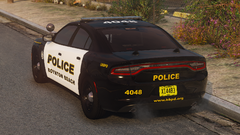
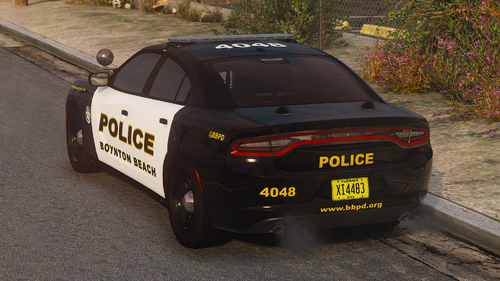 Boynton Beach PD Livery mini-pack Currently includes liveries for: Patrol - Kane104's 2020 FPIU Patrol - GM's 18-23 Charger K9 Unit - GM's 15-20 Tahoe Still a work in progress, so they may not be 100% accurate. I may include more vehicles & lore-friendly variants in a future update. Please do not redistribute! 🙂 Any questions, suggestions or problems, let me know! Discord: dannyy21__
- 1 review
-
-

- 1
-
-
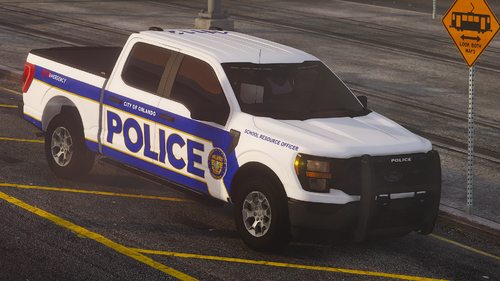 Includes both a School Resource Officer and a regular officer option Works with Raz3r's updated 2023 F150 base. I used the model in Sky's 2.0 Osceola pack which can be found here. Any questions, suggestions or problems, let me know! Discord: dannyy21__
 -
Not sure of the creator but I downloaded it here, its a generic 5 point star badge
-
Which badge are you referring to?
-
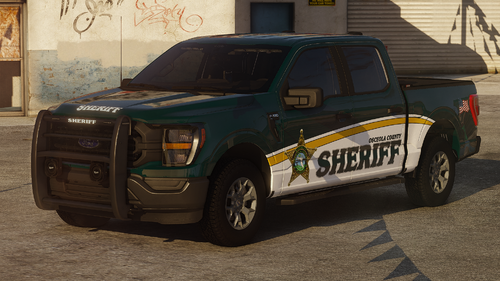 Older style Livery for OCSO's F150 Made to be used with Sky's Osceola pack 2.0 version (version with F150) is currently only available on his Discord Lore version (BCSO) is also included to work with my previously uploaded OCSO lore pack Please do not redistribute 🙂 Any questions, suggestions or problems, let me know! Discord: dannyy21__
 -
New version with the Traverse vest uploaded:) I use Paint.NET with the export settings below:
-
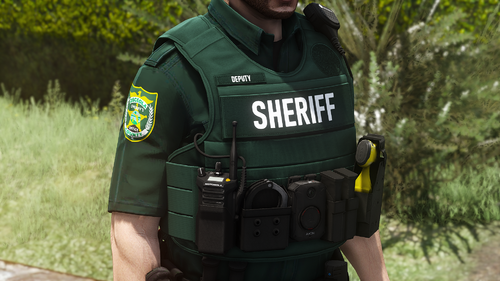
Been looking for some vests like this, I’ll get them done and uploaded by tomorrow 🙂