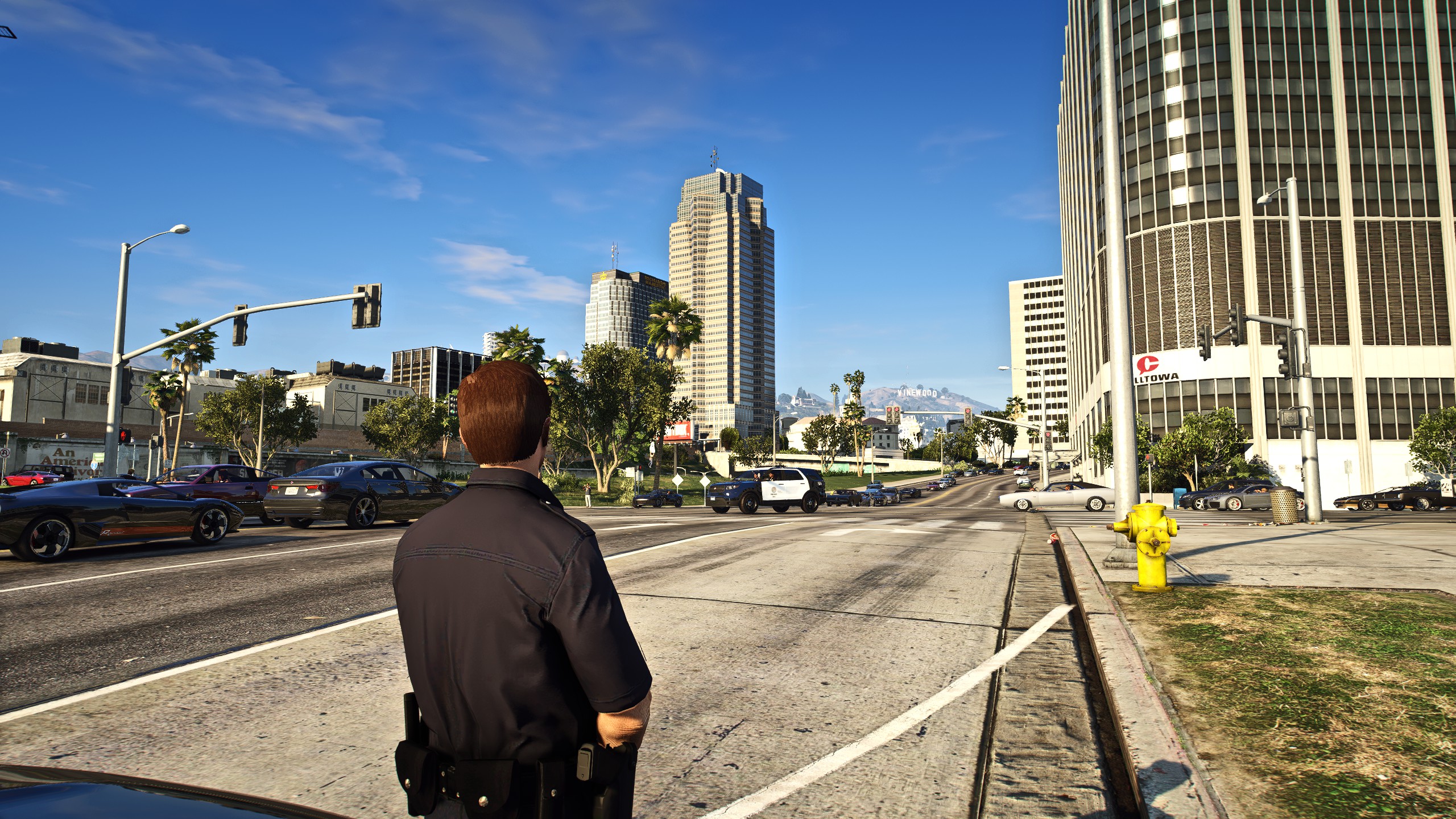
Movie buff, Star Wars nerd, police wannabe, reader of all things manga and comic books. I enjoy playing LSPDFR in my free time and I have a wide variety of interests. I enjoy talking to people and making new friends. If you wanna add me on steam my account is "Darth Bricksamus" I'd be more than happy to play games, chat and talk about Star Wars, games, movies and computers.
________________________________________________________________________
PC specs are as follows:
GPU: RTX 2080 TI (will be upgrading to a 4080 when it comes out)
CPU: Intel(R) Core(TM) i7-9700K CPU @ 3.60GHz
RAM: gskill 32 gigs of DDR4
SSD 1: Samsung 860 EVO 250GB
SSD 2: Samsung 860 EVO 1TB
SSD 3: Samsung 970 EVO Plus 2TB m.2
HDD 1: Seagate IronWolf Pro 4TB EXTERNAL
SSD: SAMSUNG T7 2TB
________________________________________________________________________
peripherals:
Keyboard: Razer Black Widow (full RGB)
Mouse: Razer Mamba Ultimate (full RGB)
Speakers: Razer Nommo (no RGB)
Headset: Razer Kraken Ultimate (full RGB)
Microphone: Razer Seiren Elite
________________________________________________________________________
Displays, monitors.
MONITOR: Acer ED323QUR Abidpx 31.5 Inches WQHD (2560 x 1440) Curved 1800R VA Gaming 4ms; 144Hz
Mini Status monitor: KeebMonkey Turing Smart Display™ PC Status Monitor
________________________________________________________________________
Miscellaneous stuff:
Elgato Stream Deck 15 spot.
Chassis: CORSAIR 7000D Airflow Full-Tower ATX
Fans: Seven; ML140 140mm Magnetic Levitation Fans
Razer Base Station V2 Chroma
Controller: Razer Wolverine Ultimate (full RGB)