zentax
Members
-
Joined
-
Last visited
Everything posted by zentax
-
I have true coroners mod but coroner's clothes is still weird. My coroners are not peds its mp characters because of this ? How can i fix that
-
i fix that this crash because 5real 😞
-
I just reinstall my game and i install only lspdfr and scripthook etc. and getting crash someone can help me ? RagePluginHook.log
-
it solved unload plugin thing but infinite loading screen continues. My mod file was working 2 days ago, I didn't make any changes. My guess my lspdfr has crashed. RagePluginHook.log
-
@Hendrik3812 this is my startup.rphs and i try use latest build rage native it make crash ultimate backup so i use grammar police's ragenative and yeah make it happen in startup
-
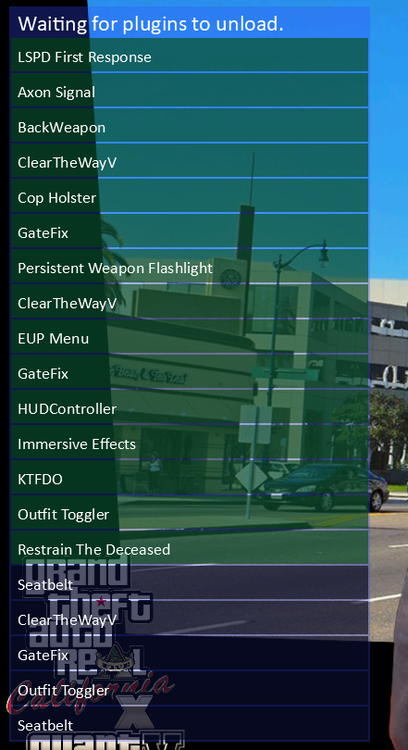
İ have this error and i try don't load plugins its doesn't work it load plugins and it unload the plugins this make infinite loading screen happen RagePluginHook.log