Kaleb99jreal
Members
-
Joined
-
Last visited
Everything posted by Kaleb99jreal
-
 For newer GTA:V Gamebuilds the .asi plugin is required to say what Gamebuilds it supports for it to work in FiveM. I found a .res file containing 2802 and added it to the SSLA .asi and I can confirm that after 1 hour of testing, I have found no bugs/issues on the latest Gamebuild.
- 342 comments
- 20 reviews
-
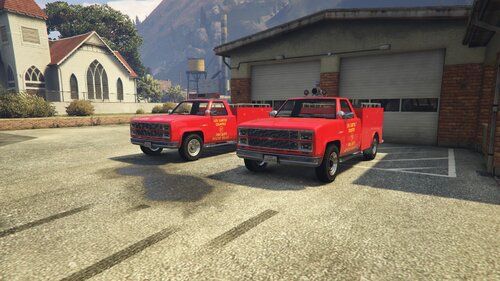 I can hear the EMERGENCY theme while viewing this.
 -
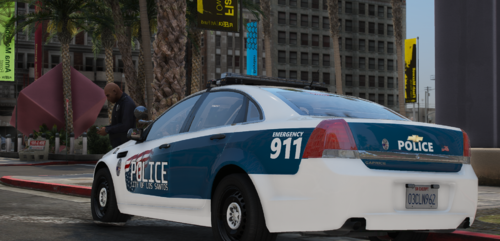 For being so simple it looks very good! I'll see if this fits an LSPD pack I try out.
 -
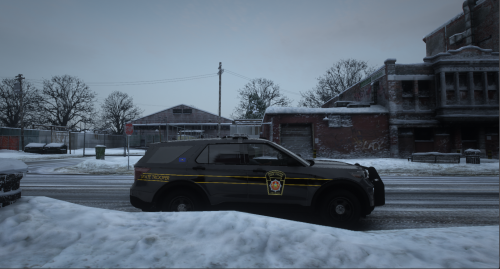 When comparing these liveries to real life liveries they are VERY accurate. I would even say 100% accurate. The quality is absolutely amazing with no fuzziness to be found. I cannot wait for this livery pack to be finished.
- 13 comments
- 1 review
-
-