Slickk456
Members
-
Joined
-
Last visited
Everything posted by Slickk456
-
Hello and thank you for taking the time to ready this. Im having a problem with lspdfr/rage as it no longer opens if im connected to wifi and only opens if i disconnect from my wifi then reconnect after.. im not sure why this is happening and or how to fix it. If anyone knows whats wrong or any way you guys would think of fixing i would be very greatful for any input. Also sorry for bad grammar english is not my first language as so im not strong at it Also when doing it while not being connected to wifi then going into game and i load up lspdfr it will just do nothing and freeze my game. Im not sure what else to do so im here for some help
-
This is a little old and im not sure if you have been able to find anyone, but ive been able to find a few people some of them even buying from myself. they are all linked below. Enjoy 🙂 https://troopercorentin.com/ https://jadesignsfivem.com/ https://www.code4mods.com/ https://thinlinesanctuary.com/collections/all
-
And its like this when i get a call from dispatch Fixed
-
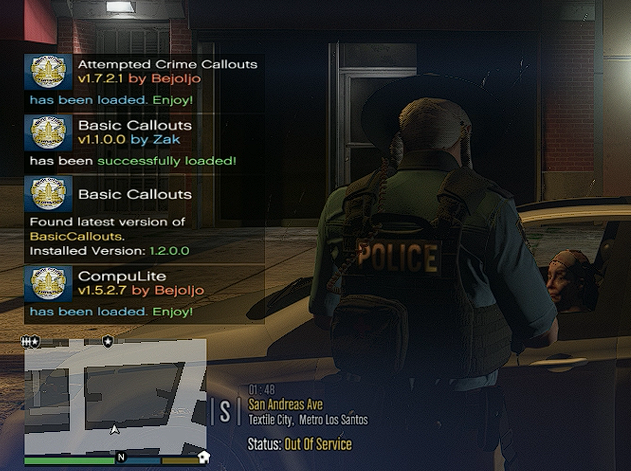
I need some help, so idk why but out of no where the stuff that appears above my minimap is all stretched out and looks bad. Anyone know how to fix this? Not sure if i may have changed something? Anything helps. This is stretched for all my plugins like, Stop The Ped, Grammar Police, Vocal Dispatch. This is a screen shot of what it looks like