


MinhMan
Members
-
Joined
-
Last visited
Everything posted by MinhMan
-
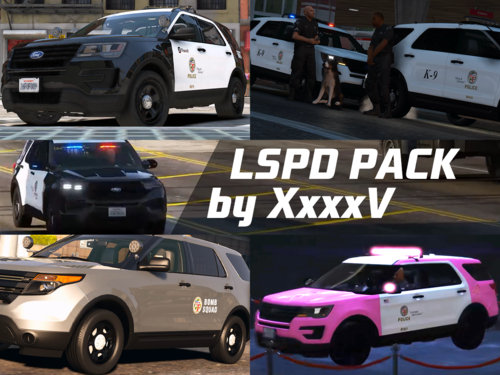 Do you have any idea or any new website where they post the files after the gtapolicemods shutdown? i am still searching for the LAPD slicktop 2020 explorer. I tried WayBackMachine but it didn't work
 -
I finally figure out this was from an option in Grammar Police "HandleAvailability=False", change this to True will fix it
-
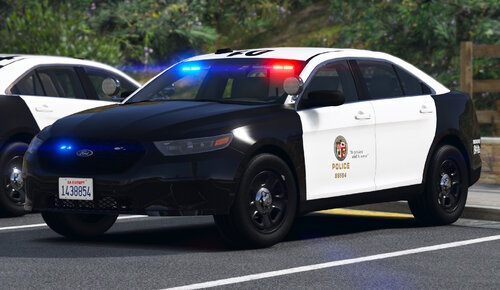 100/100 Thank you for this amazing work! I wish you good health to continue contributing to our community and developing more products like this.
- 255 comments
- 75 reviews
-
-

- 1
-
-
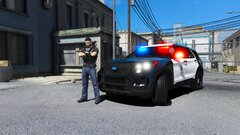 Amazing slicktop i remember there was a similar 2020 FPIU Slicktop on gtapolicemods.com right? Can you republish the model cause the website shutdown long time ago. Really appreciate!
 -
Lately i have notice that despite the police status from grammar police is busy or enroute and i had finished the callout but the status remain unchanged, i still receiving different new calls from dispatch. The reason is police status showing Busy or Enroute but when I press M the section "Available for calls" is "Yes". Is there any solution to synchronize these two things?


