


Dippy
Members
-
Joined
-
Last visited
Everything posted by Dippy
-
nvm i forgot to save after that it worked but for example i use grammarpolice and i just tested changing the name to Dippy-16 yet it still nammed me 1-lincoln-18 and when i tried to add guns to the realistic guns mod on stop the ped i copied the name of a gun and put it in yet it didn't work and when i needed to write in a code for a car addon didn't it work either, that was actually the first time a config worked
-
For example you can see here i went in stop the ped.ini wrote no on blip the ped yet it still got blipped
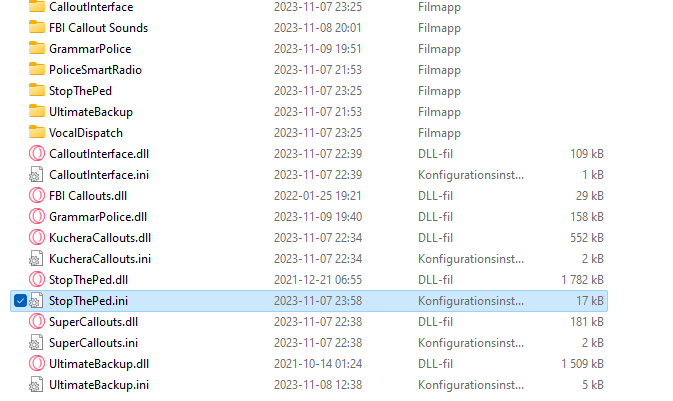

.png.087197fd8b89d8b9d13a45db26d02eba.png)
-
the youtuber that showed how to install ultimate backup used backspace so i know it can be used and none of the files that i have changed has actually changed even if i used copy and paste and even followed the instructions so its not something specific its on every single edit i have made even simply changing from yes to no
-
for example when i tried to add a car from 5mods you need to write certain stuff in certain files and for example dissmissing backup on ultimate backup button is enter but if i change it to backspace it will still use enter instead
-
Everytime i try to change something like keybinds or add a car, even though it gets saved in the configs the game ignores it and just uses the default configs what should i do to fix this?
.png.087197fd8b89d8b9d13a45db26d02eba.png)