

lenard.
Members
-
Joined
-
Last visited
Everything posted by lenard.
-
I mean it was a fresh install of GTA V and LSPDFR and RPH
-
I thought I could rename 'mods' folder to '_mods' and it worked. However, I am wondering whether I should leave it that way or is there anything else I need to do?
-
-
Hello, sorry if there is already a post regarding this issue - I tried looking up the solution on the forum but couldn't find anything After 2 year long pause I have installed GTA V back again and it worked just fine. I then installed RPH and LSPDFR, but the game could not load - it crashes right after 'flashing lights' scene and Rockstar logos. I tried loading GTA V first (without RPH), but it also does not load (i get black screen without any signs of further loading). I uninstalled RPH and GTA V ran fine. After installing it once again, the problem persists. I cannot attach any crash log, since it also doesn't generate (I get the screen that I should wait for it to be generated but it also gets stuck) I would really appreciate any help
-
I already had that, but when I renamed it back to "mods" it started working properly. Thanks for your time 🙂 Solved
-
soo i did that, and now GTA opens, but crashes on loading screen RagePluginHook.log i've attached screenshots of my GTA V folder if it can help
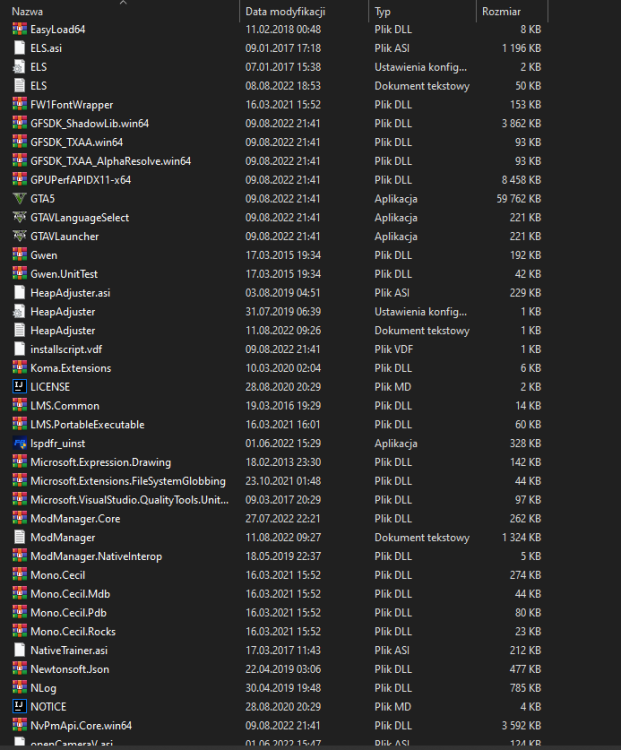
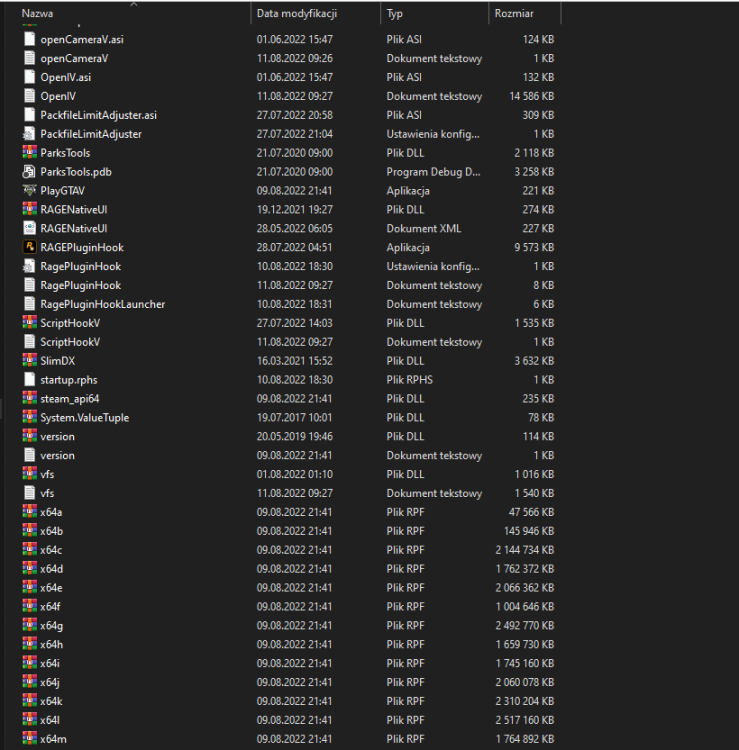
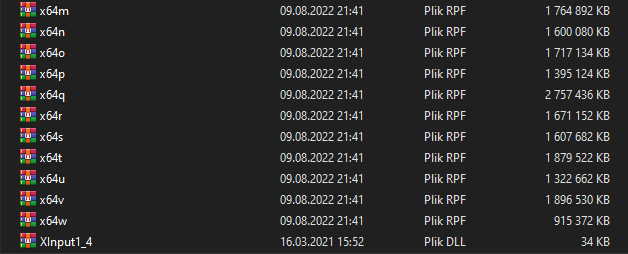
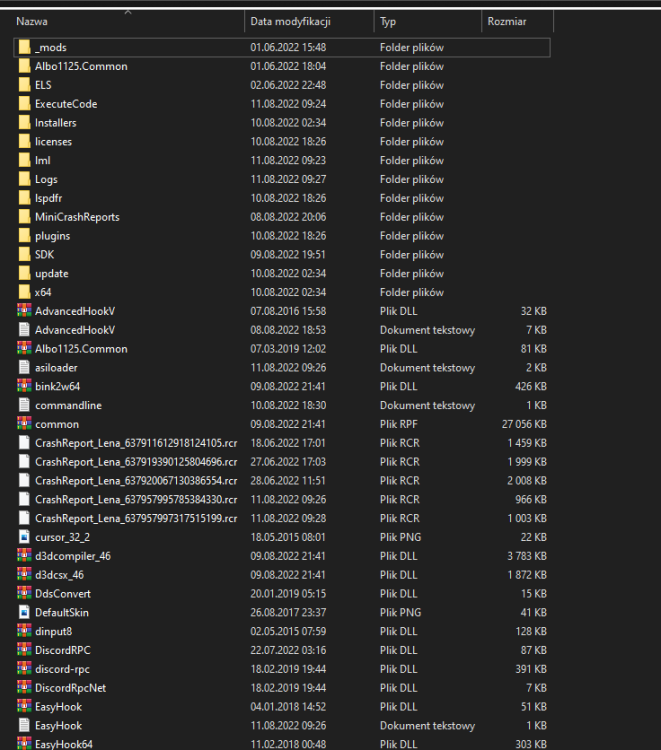
-
i've already done that and it didn't help^^
-
Hii, so after this new update (2699) I cannot run GTA V. When I try to play LSPD:FR RPH gets stuck on 'Loading game' or 'Waiting for game window' and closes. I can't even run normal GTA V. I hope there is a solution, thanks in advance