


jakedolph
Members
-
Joined
-
Last visited
Everything posted by jakedolph
-
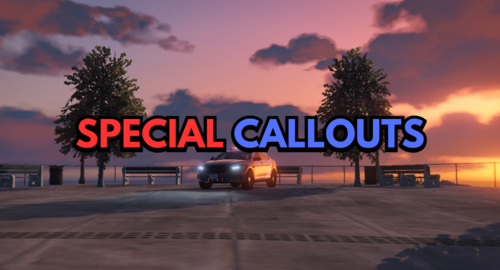 Since installing this (I think this is the issue), if I hit my K key it shoves me forward. If you hold it in, you'll go flying. Is anyone else expericing this? I love the call outs & would be a shame to uninstall it. I don't see an ini file to check & change keybinds. Looking forward for updates!
