


Inmate_Number
Members
-
Joined
-
Last visited
Everything posted by Inmate_Number
-
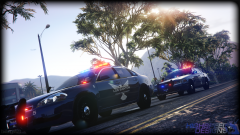 Yep that CVPI is going to be BOSS when its released...by far best models come from bugs.
 -
Love the cars. two questions though. could you make lights on the mirrors as well as well as well on pushbar? And maybe put the spotlights up instead of down. Either Way GREAT MODEL!!!!
-
 Great Tahoe may i suggest using the Code 3 21TR lightbar made by Kygo. other than that great!
- 183 comments
- 38 reviews
-
Im waiting for that code 3 21tr
-
 No
No -
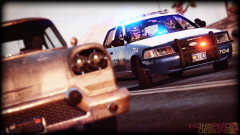 Ill give you 2 dogs bugs.
 -
-
I edited the dispatch tones you hear when receiving a call from dispatch. DrunkPolice/LEDesigns 2015 edited the XTS5000 Chirp you hear when an officer replies, as well as the idea for this mod. I hope you enjoy this mod. If you like it give it a review also preview is below. Thanks =) CREDITS: - Dispatch Tone -- Code3 Productions (Inmate_Number) - XTS 5000 Chirp And Idea to mod sounds -- DrunkPolice/LEDesigns 2015 - Motorola Solutions - LSPDFR
- 2 comments
- 4 reviews
-
-

- 1
-
-
I cant find the police.ytd etc in the patch files i use the x64e and i install mods and then gtav updates itself...
-
Everytime i install a car mod using open iv i start the game and it updates everytime basically replacing what i modded...
-
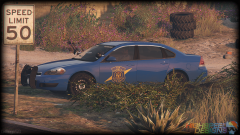 I haven't even touched lspdfr yet until we get some authentic vehicles AKA Bugs...
 -
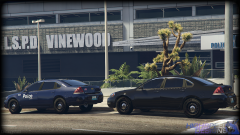 Code 3 2100
 -
Hey guys I have a lightbar X2700 with the red and blue top cover how do i edit the emergencylight.png and just make the top cover clear *remove red and blue from top cover* with out loseing transparancy?

