Skip to content
View in the app

A better way to browse. Learn more.

LCPDFR.com

A full-screen app on your home screen with push notifications, badges and more.

To install this app on iOS and iPadOS
  1. Tap the Share icon in Safari
  2. Scroll the menu and tap Add to Home Screen.
  3. Tap Add in the top-right corner.
To install this app on Android
  1. Tap the 3-dot menu (⋮) in the top-right corner of the browser.
  2. Tap Add to Home screen or Install app.
  3. Confirm by tapping Install.

herp

Members
  • Joined

  • Last visited

Everything posted by herp

  1. like in the lspdfr gta setting im unbinding my b key becuase i have stop the ped and the overlays for them combine and its hard to see.
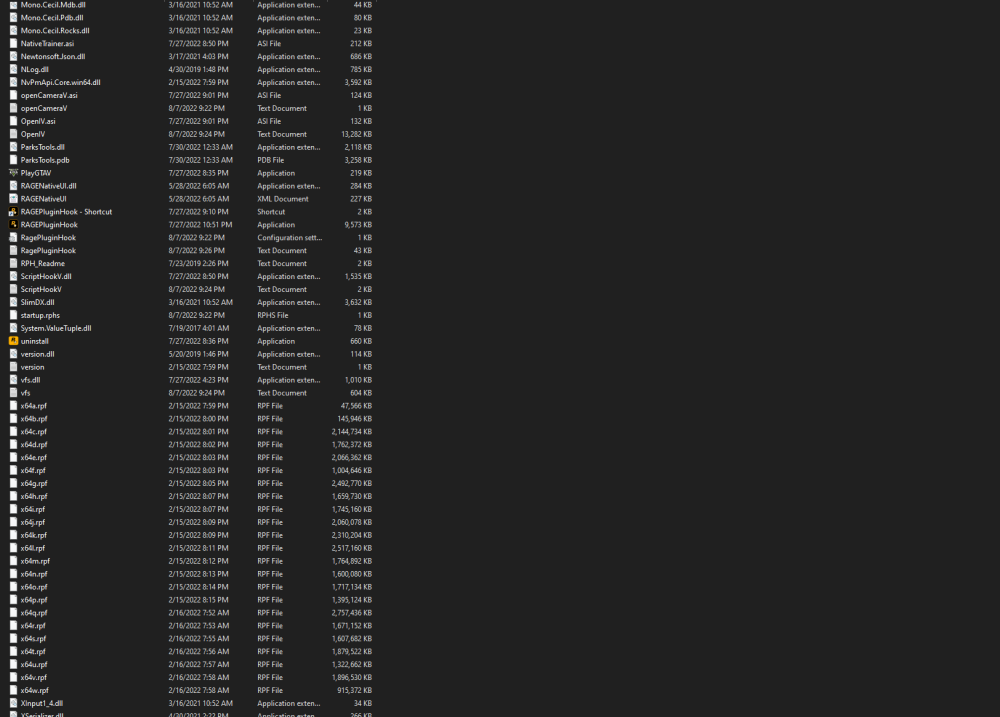
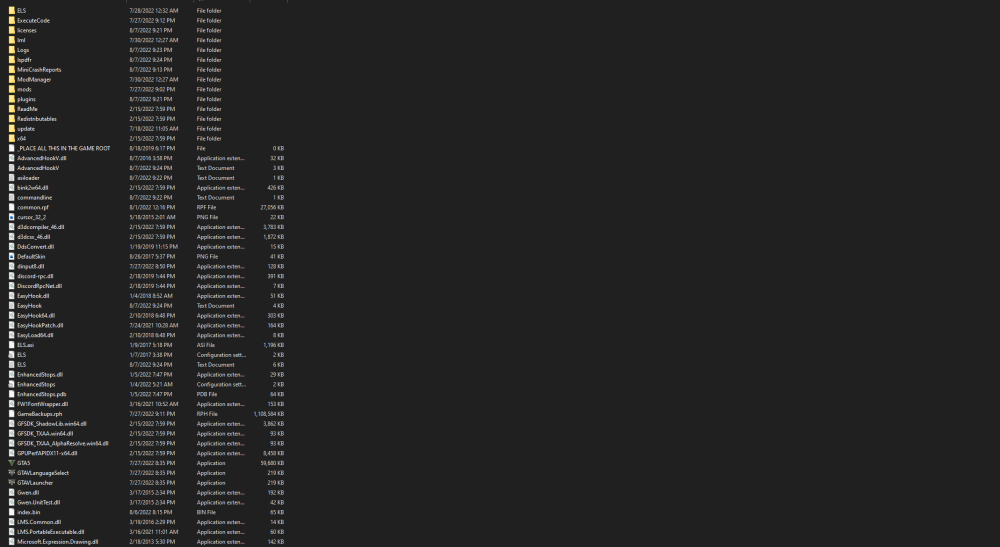
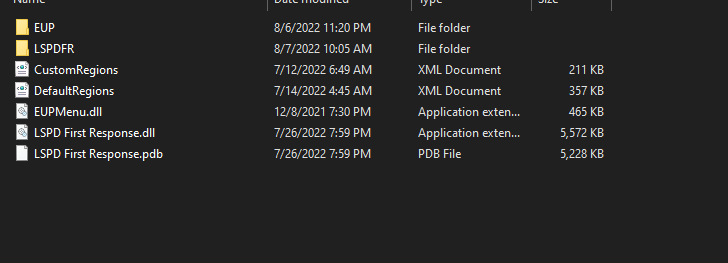
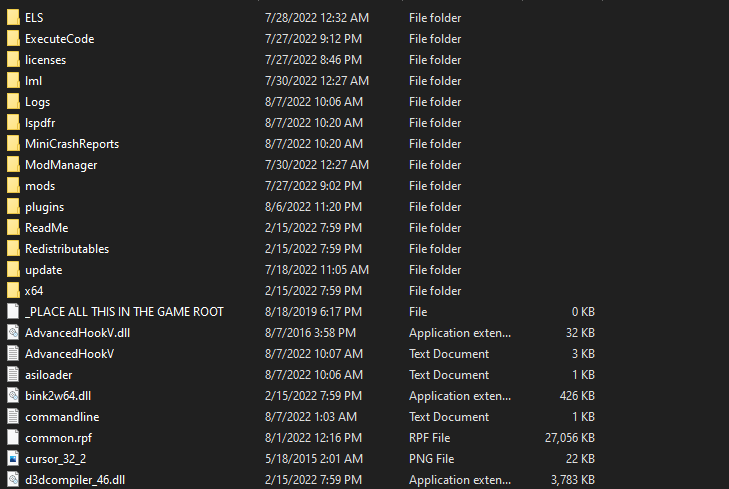
  2. everytime i play lspdfr i get about 10-15 minutes of playtime before my game crashes. doesnt matter what im doing it crashes from the random things.please take a look at my files and logs to see if im doing anything wrong or RagePluginHook.logwhat needs to be fixed. Thank you!
Account

Navigation

Search

Search

Configure browser push notifications

Chrome (Android)
  1. Tap the lock icon next to the address bar.
  2. Tap Permissions → Notifications.
  3. Adjust your preference.
Chrome (Desktop)
  1. Click the padlock icon in the address bar.
  2. Select Site settings.
  3. Find Notifications and adjust your preference.