


Handl3
Members
-
Joined
-
Last visited
Everything posted by Handl3
-
 The OIV installs everything into their own folder just with the models / texture files. I tried adding them to the DLC list to see if that would work and no go unfortunately. But I have been using it non-dlc pack and it's very fantastic.
- 161 comments
- 24 reviews
-
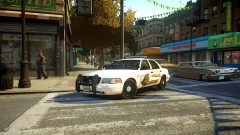 Looks fantastic. Trying to round up all these mods, mind passing over where you found this
 -
Disregard, double post.

