


MaximL
Members
-
Joined
-
Last visited
Everything posted by MaximL
-
I understood. Once again, I thank you very much for trying to help me with my problem. I think I'll try to completely reinstall the game, I hope it helps. Good luck! Changed: You asked about Windows 7, I think it's because I played Flight Simulator X a lot, it gives a lot of errors when starting and installing on Windows 10 and others. But I think the problem is not in the operating system.
-
Hello again. I want to say thank you so much for trying to help me, but after I've done everything you said the crashes are still going on, can you check this log? RagePluginHook.log
-
I did it, but it didn't help. The game crashed at the end of the traffic stop when I got into my car. It seems that there are some errors at the end of the log again, you can advise something? RagePluginHook.log
-
I did what you said, but it didn't help, the game crashed again right during the chase. There was only me and the suspect's car nearby and the game crashed. I noticed that there are several errors in the RAGE log at the end, I think it has something to do with crashes, can you look at them? RagePluginHook.log
-
When I started the game again, the game no longer crashed when choosing clothes and so on, the game crashed when I got into my car after the chase, about after pressing F, the game crashed. I found out that the game often crashes during the chase or at the end of the mission when I want to get in the car. What do you think it could be? I attach another log. RagePluginHook.log
-
Yes, I downloaded everything you wrote. I created the LSPDFR folder in the Grand Theft Auto V\plugins directory, but it didn't help. This time the plugin crashed at startup, but I started it again. The game crashed while choosing clothes for the officer. Here's my log. RagePluginHook.log
-
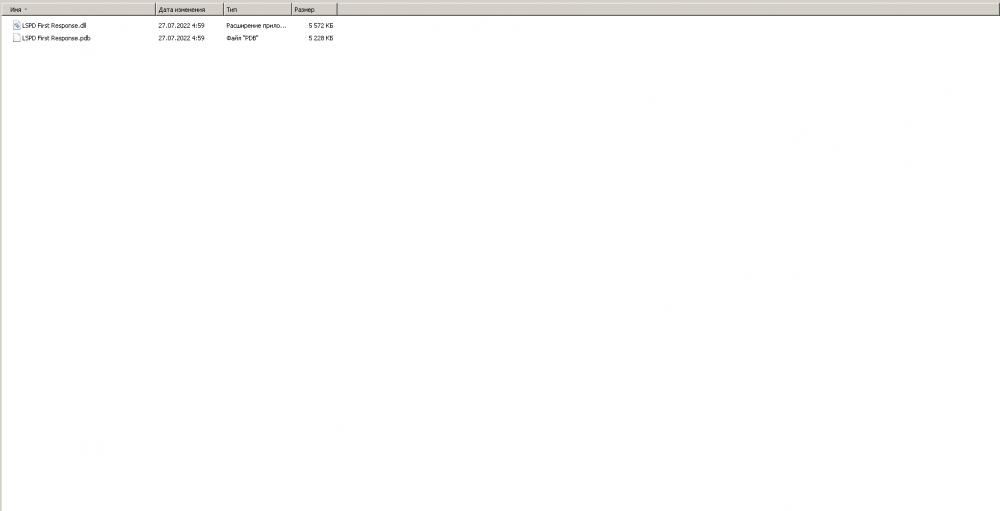
This is all that is in "Grand Theft Auto V\plugins". The game crashed again a couple of seconds after accepting the task.
-
No, the game still crashes after 3-5 minutes.
-
Yes, I did it. Now it is called "_mods".
-
Thanks for the answer! This time I was able to play a little longer, I completed one task, it was a chase, but when I went to the second call, the game crashed again. RagePluginHook.log
-
Hello! My GTA 5 crashes about 3-4 minutes after the start. Usually she takes off at the end of the chase and I don't have time to finish even one mission. I will be glad of any help, I attach the log below. RagePluginHook.log
