


beepy
Members
-
Joined
-
Last visited
Everything posted by beepy
-
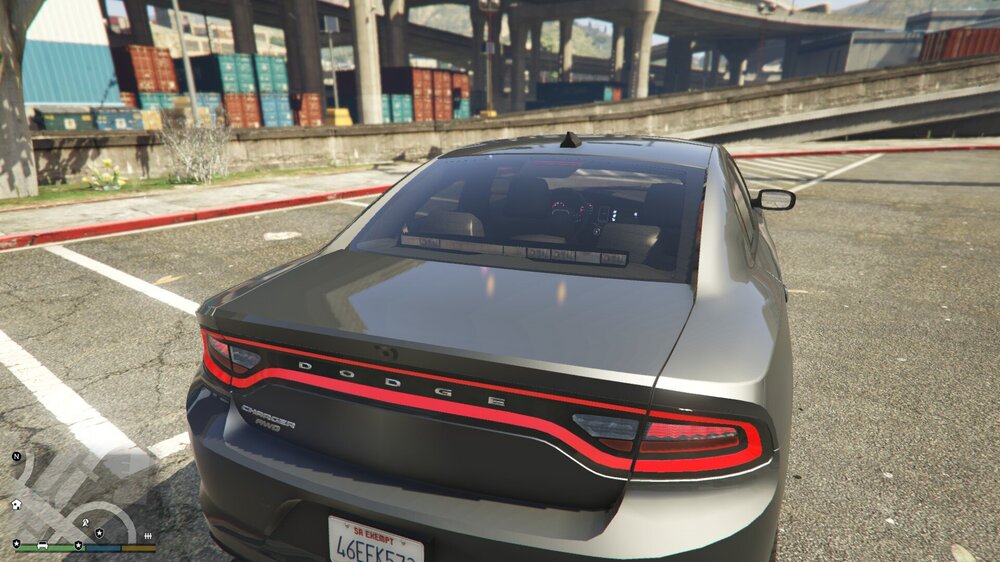
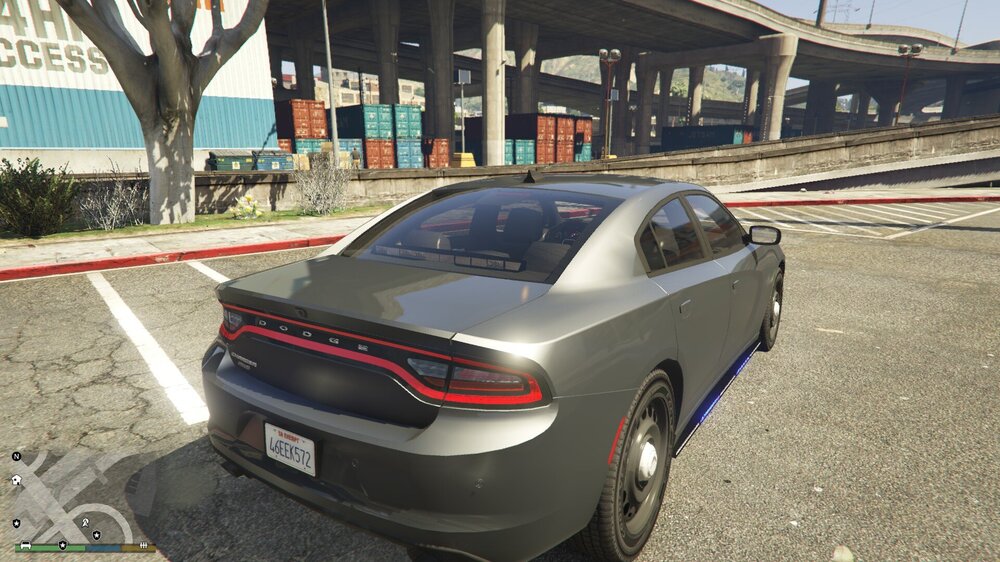
Hi, I have started new to Zmod over the last couple of days and the front window Ions are flashing fine however rear lights are not showing through the glass. I have lowered opacity of the glass on both LB and rear window but still cannot see the lights from outside. The modules are flashing but cannot see the colour - any hep with this? I have look at vehicles.meta and it is not tinted so at a complete loss.
-
All other EUP files that have been downloaded are showing in Wardrobe > Create Outfit it is only these that are not. I just do not understand how they can be in my files but not showing upon start up?
-
I downloaded the British Firearms EUP from StateZero and moved all the files over into the eup/dlc.rpf/x64/eup_componentpeds.rpf/mp_m_freemode_01 file as stated in the download. I can see them in the file opener on OpenIV however when I go through all components in EUP Menu once the game has started, these cannnot be found? Is there a simple fix for this, or am I being stupid as I am still very new to this side of the game🤣

