dalta
Members
-
Joined
-
Last visited
Everything posted by dalta
-
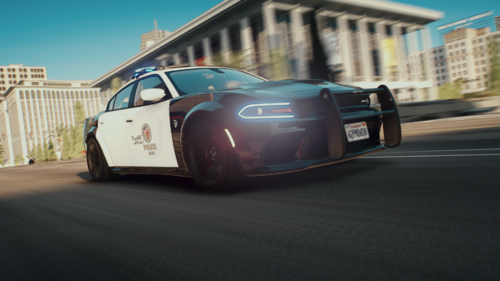 You need to add light on the pushbar, good work
 -
 Modify your "dispatch.meta" to spawn the cars you want when you have a search index, and to spawn them in traffic modify "popgroups" and put the name of the vehicles you want to see in traffic @Tactical DonutIt's the best "LAPD" add-on pack you can find, however it's missing something that upsets a lot of people, extra push bars and anpr on the FPIU and Charger. Because quality models with pushbars (with LEDs) are very rare on LSPDFR. If for the next update there are these small details added to your vehicles then this pack will be perfect
- 255 comments
- 75 reviews
-
-
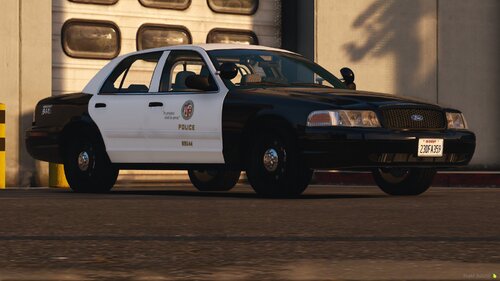 Finally a 2013 LAPD FPIU with a Setina push bar
 -
-
J'ai eu ce bug, j'utilisais le modmenu Menyoo et pour le réparer ce bug il faut juste réinstallé ou mettre à jour son modmenu
-
Il faut mettre vos paramètres graphique (qualité des ombres et reflets) au maximum dans le jeu. J'avais le même bug avant