


Fiv5e
Members
-
Joined
-
Last visited
Everything posted by Fiv5e
-
Mb I'll try to re install my mods folder, thank you for help 🙂
-
Sure. i installed LSPD Mega car pack or something else, with replaces and some addons, in installation path was put into patchday 22, I did it, my addons file I put in dlpacks and changed the dlclist what you can see on screenshot, after this all I put ELS files into folder.
-
Yes
-
I put them to the patchday26 and they are still not working.
-
My replace cars are in 22 patchday,.
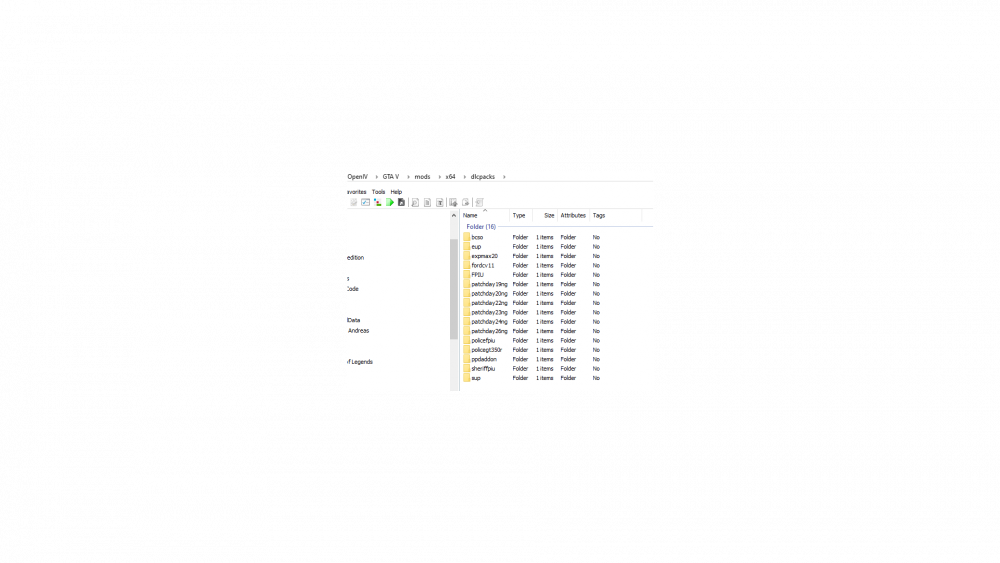 Hi guys, i have problem with my addon/replace cars, so to start with, I installed addon cars, I put files to dlcpacks and changed in dlclist, today I installed new gameconfig and the cars are still not working. I don't know what to do. Maybe you know.



.png.13da452cd2dd98f660b6f89520391dd7.png)