
ItsBMav
Members
-
Joined
-
Last visited
Everything posted by ItsBMav
-
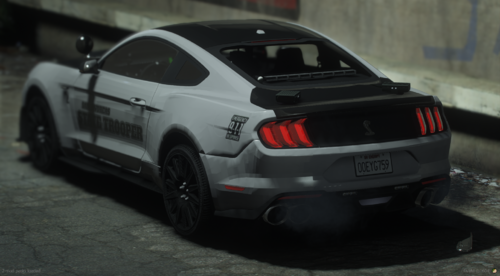 Yeah it looks like the rear TA bar has lights but they are emitting from behind the actual LED panel itself? Other than that the model is great looking
 -
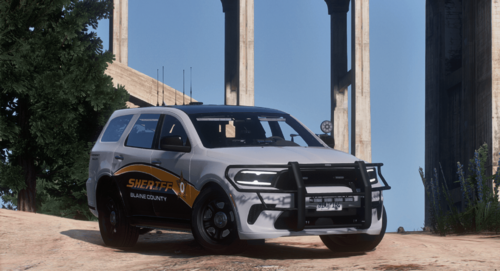 Keep an eye out for this dev. Amazing Durango, currently installing their other vehicles as well to check out. Lighting is fantastic, everything is placed super well. Love the vehicle!
 -
Normally I just browse, download, and call it a day. But after seeing this model I had to come back, figure out my login somehow, and comment on here to tell you how sick this vehicle is. Amazing job bro.