


QuandalePringles
Members
-
Joined
-
Last visited
Everything posted by QuandalePringles
-
RagePluginHook.log
-
Hello, you may have read the title, for some reason only some of my mods load on lspdfr ive been looking but cant seem to find a solution. Please help me with this problem if anyone sees this.
-
Everytime i add a car to my dlclist.xml, it always corrupts. i’ve read on it but nothing has helped
-
How do you send pictures on pc?I’ve literally tried everything for it to work and nothing is working! I’m so pissed right now. I haven’t played gta in a long time so when i logged back on to gta i went on to ragepluginhook to play as a cop, Then the lights didn’t work and that’s when i tried everything but nothing worked. Please if somebody can find a solution.I got it. I just needed to verify the game cache.🙂Hello, You may have read the title. I just downloaded a brand new lspdfr and ragepluginhook and it still says that the version isn’t supported. I don’t know what to do.
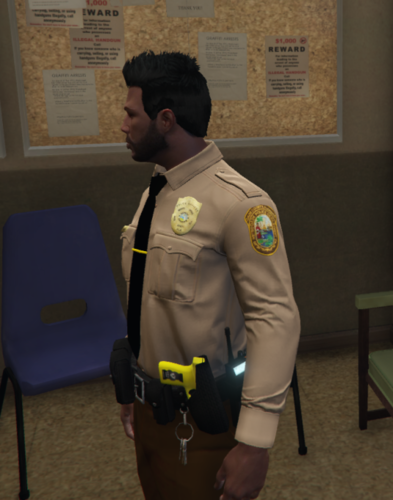 there is no wardrobe but i dont know how to use itHello. as you read the tilte here it is. its saying XML Parsing error at line 3, col 4 only one top level element is allowed in a XML document and here is my dlc listI got it fixed nvmSearch up Gaming 4 life i think he has a tutorial to fix texture lossI cant even load into gta without rphIt crashing every time i load it up idk why


