



Jacksvn
Members
-
Joined
-
Last visited
Everything posted by Jacksvn
-
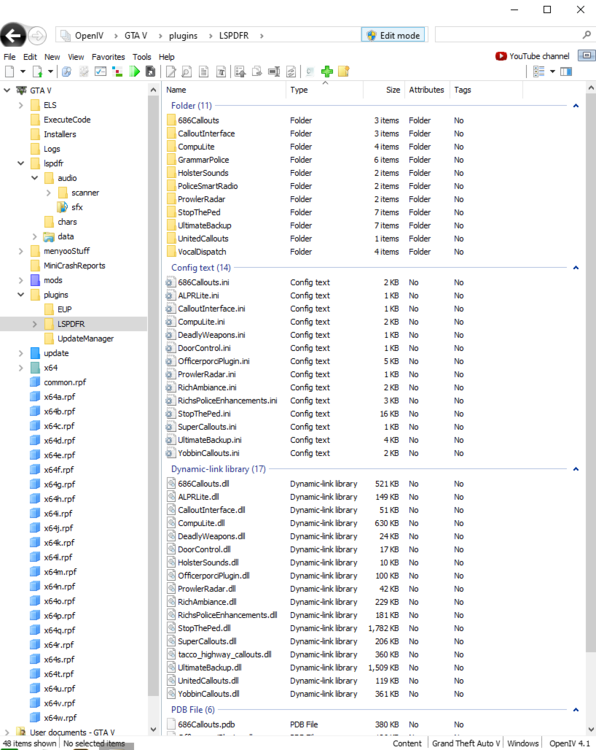
I have plenty of plugins installed (ss included) but when I try to install GrammarPolice and BetterEMS, debatably two of the most important plugins, it causes my game to crash. I've tried leaving out the included RageNativeUI and using the latest release on GitHub instead and it didn't fix my issue. It doesn't make any sense to me because I have my RPH setting set to "Don't load any plugins on startup." So the new plugins shouldn't be loading until I'm in game anyways. RagePluginHook.log
-
-
-
-
-
-
Yes, ScripthookV, ScripthookVdotnet, Pakfile Limit Adjuster, Heap Adjuster, Gameconfig, and all those necessities are always the first things I install. I'm currently playing GTA:O (without ASI loader and rph), I'll update u when I give that a try.Appreciate it bro, I'm trying out some different vehicles and creators this time, but it's so tough to find good LAPD replica packs hahaSo i'm about to start installing replacement vehicles, is there anything I should know besides keeping the total size of the vehicle models + textures under 25mb?Currently doing a full reinstall of gta v so hopefully that fixes itNope, haven't in a while. I used to use RCA, VRemastered, and Recently traded those two out for Forests of SA but I uninstalled them and it still didn't help.yeah the first thing I do every time I install LSPDFR I turn off PreloadAllModels. Even after editing the textures I tried installing less detailed models and the issue persisted. I've also uninstalled a bunch of my callout packs, setting GTA V to high and Realtime priority, uninstalling NVE, literally everything. This randomly started happening right after The Contract DLC and I haven't been able to fix it since.I've tried every YouTube tutorial, every post made on the 0.4 support forums but nothing solved my texture flickering. I'm using NVE but when I switch to SP with NVE and scripthook but without RPH and LSPDFR the texture loss stops. I'm usually able to play through about 2-3 callouts before it starts. I included 3 ss of what I'm experiencing, the screenshot where I'm standing next to the charger is the form of texture loss I experience 80% of the time. Here are my PC specs: AMD Ryzen 7 3700X CPU AMD Radeon RX 6800 16GB DDR4 Ram 1TB SSD
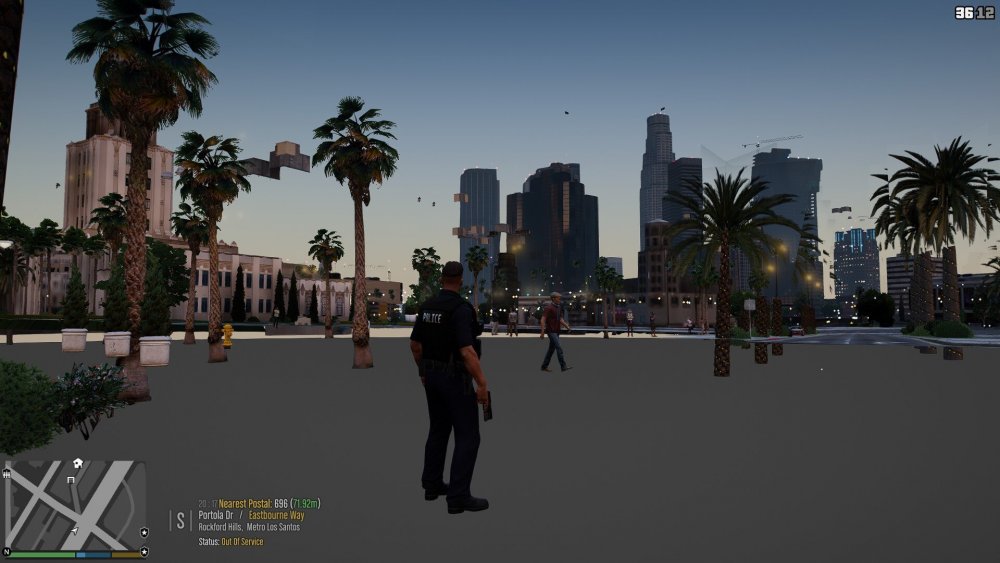
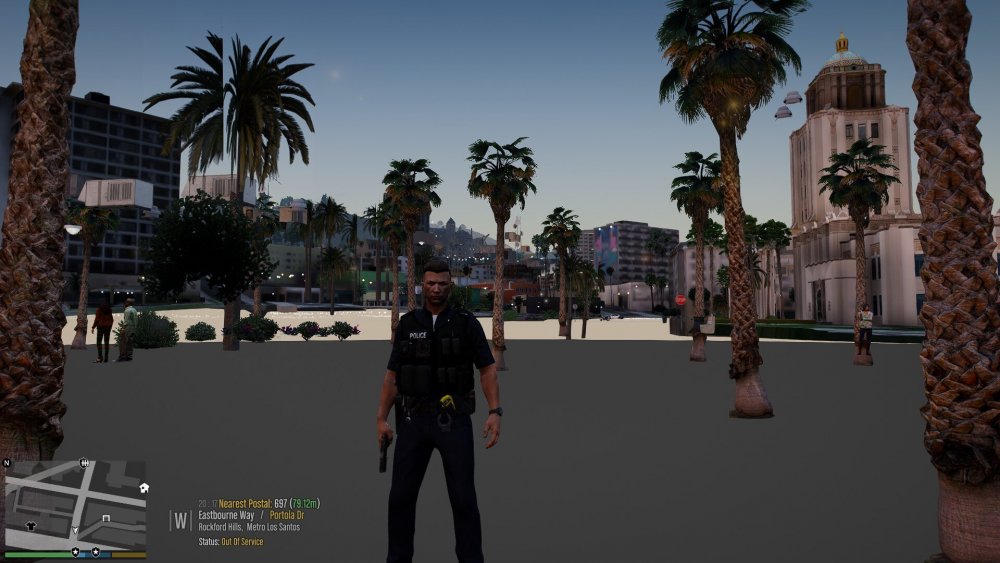
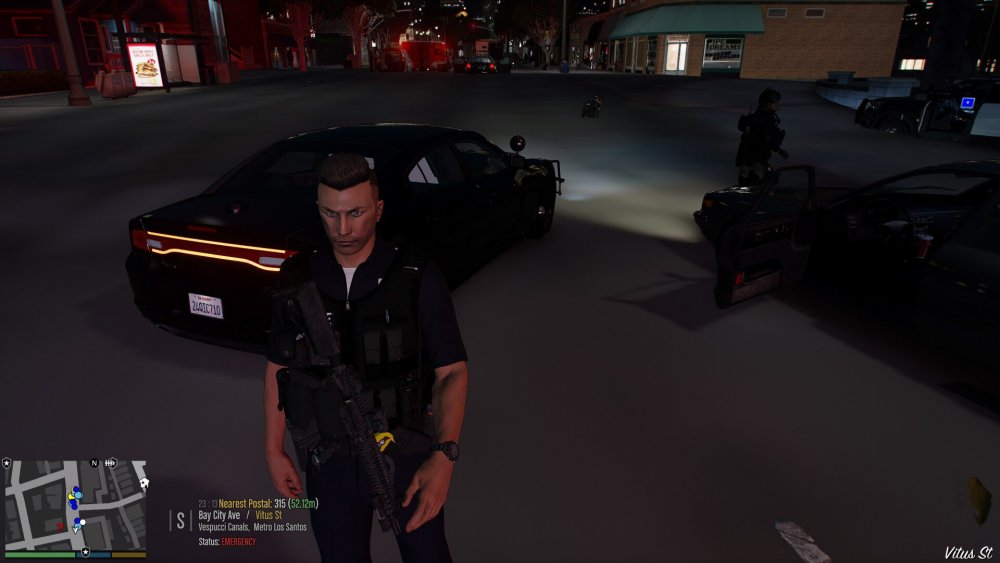 Leaked photo of two SWAT members after taking down infamous meth cook.
.thumb.png.3d1acfd4d9692f095c037ec99a0f1be6.png)






.png.7954b946a486da803fab0b135a14d61b.png)