
Envy Development
Members
-
Joined
-
Last visited
Everything posted by Envy Development
-
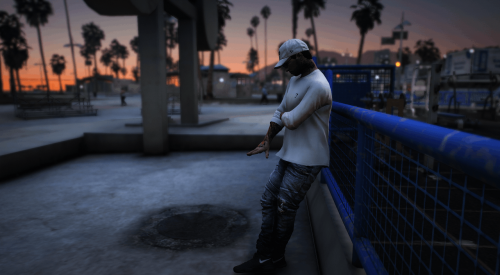 This is a pack created by "Envy" Himself. This is my first release that is free. To sum this little pack up for you it includes 1 Hat and a couple of shirts. These can all be worn whenever but for those of you that don't know gymshark is a brand that is used for working out/training. So whenever you need to lift some weight or go for a run or just rep your favorite brand feel free to throw this eup in your server and use it! If you would like to recommend any other form of eup for me to create and do another free release please let me know, by joining my discord or making a comment on this post! All feedback is appreciated!