Embiode
Members
-
Joined
-
Last visited
Everything posted by Embiode
-
 Mod might have broken sometime recently, as a clean install with verified files thru Steam crashes with this mod. Tried messing around with my gameconfig and LML, seems like those were causing issues.
 -
Love the amount of cars we're provided with, and the all blues look crazy good. The rotator cars are not something that's often seen either, they're a nice surprise. Thank you so much for providing templates too!! ^^
-
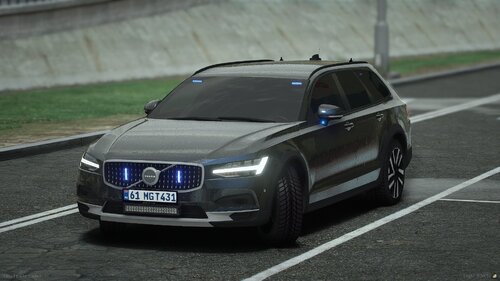 Having the same issues as everyone who commented. The LSPDFR addon version doesn't spawn when installed correctly. I tried to move the addon listing in dlclist.xml, moving the car's data files but nothing seems to work. Trainers and RPH say the vehicle spawned, but it never appears. If this addon somehow has a different installation process than the majority of other addon vehicles, it should be put in the readme.
 -
 This looks so good for night pursuits around the city. Love the 3 preset options too!!
- 2 comments
- 8 reviews
-
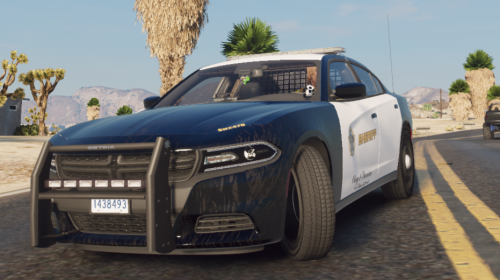 pretty good model!! there are some improvements that can be made like the solid taillights or green-ish rear windshield emergency LEDs but overall its a nice Charger!!
 -
 high quality & simple to understand without in-depth law knowledge really good!!
 -
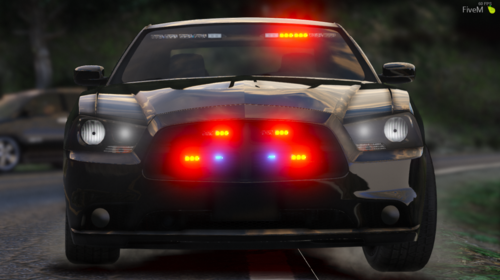 works well, is up to date and has the lighting and accessories are amazing the LML convert works flawlessly as the mod is not yet outdated heavily recommend!!
- 6 comments
- 2 reviews
-
absolutely awesome mod, as stated previously it is the only fully packed unmarked 2012 charger which is non-ELS, and that still works perfectly
- 6 comments
- 2 reviews
-
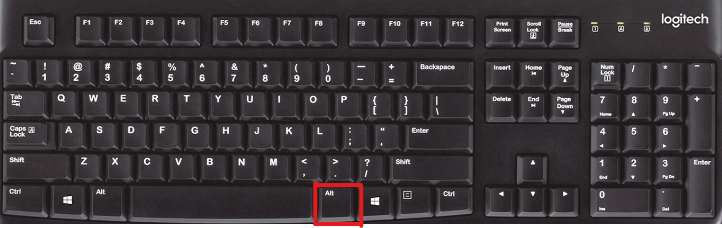
Do you press the right Alt key when speaking?