
Mesteru
Members
-
Joined
-
Last visited
Everything posted by Mesteru
-
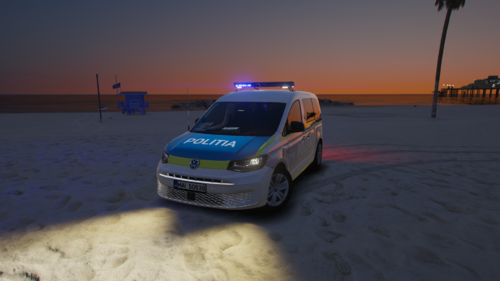 This is a reskin! To install, just drag and drop in Mods\update\x64\dlcpacks\patchday28ng\dlc.rpf\x64\levels\gta5\vehicles.rpf\ The patch days may differ if you have 29ng, I recommend you to put it there with base model. You can find the original model at: https://www.turkishmods.com/ I want to thank Turkish Mods for the work done on this model Lighting : Armas Spark L PRO
 -