Skip to content
View in the app

A better way to browse. Learn more.

LCPDFR.com

A full-screen app on your home screen with push notifications, badges and more.

To install this app on iOS and iPadOS
  1. Tap the Share icon in Safari
  2. Scroll the menu and tap Add to Home Screen.
  3. Tap Add in the top-right corner.
To install this app on Android
  1. Tap the 3-dot menu (⋮) in the top-right corner of the browser.
  2. Tap Add to Home screen or Install app.
  3. Confirm by tapping Install.

Red Blue Designs

Members
  • Joined

  • Last visited

  1.    OblongGaming reacted to a gallery image: Metro VFRS And Fremantle 1st
  2.    Red Blue Designs reacted to a file: Coastal Callouts
  3.    Red Blue Designs reacted to a comment on a file: Coastal Callouts
  4. Red Blue Designs changed their profile photo
    • 78 downloads
    • Version 1.0.0
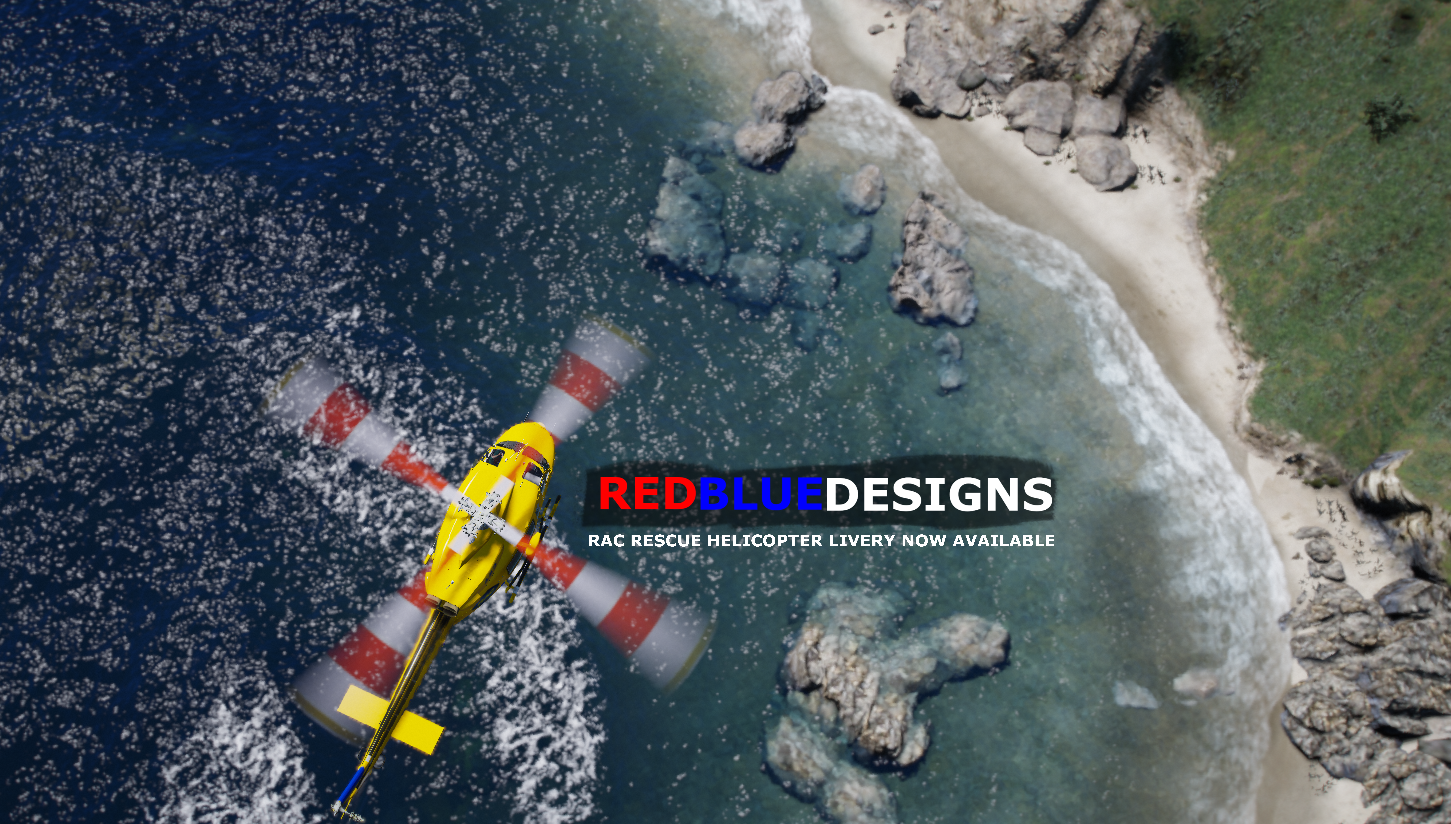
    Based off the irl Bell 412 for RAC Rescue [ Western Australia ] This texture pack includes the following. /////////////////////////////////// - Rescue 650 [ Fictional ] - Rescue 651 [ Realistic ] - Rescue 652 [ Realistic ] - Rescue 653 [ Realistic ] /////////////////////////////////// To obtain the bell 412 itself. Refer to PNWParksFan "Costal Callouts" Pack below and download the Coastal_Callouts_3.0_FIVEM-RESOURCES.zip File. //////////////////////////////// If you have any issues regarding this please contact me via discord. - B1GOZ. - These textures are not to be redistributed or modified in anyway. Do not claim these as your own work -
  5.    DenisCZ reacted to a gallery image: Metro VFRS 3.4
  6.    maxuser8991 reacted to a gallery image: Metro VFRS LT
  7.    Red Blue Designs reacted to a comment on a gallery album: DFESRP
  8.    BErad1502 reacted to a gallery image: Fremantle VFRS getting Fuel
  9.    Red Blue Designs reacted to a comment on a gallery image: New livery on a ZB wagon 2
    Very good. all fits well and is very well placed together
  10. Oscar Linssen     Finished responding to a reports of a stalking in Mission Row, Vespucci Blvd
  11. Oscar Linssen     Finished responding to a Pursuit in Legion Square, Strawberry Ave
  12. Oscar Linssen     Finished responding to a student escort request in Legion Square, Strawberry Ave
  13. Oscar Linssen     Finished responding to a Holdup in Legion Square, Strawberry Ave
  14. Oscar Linssen     Was killed in Mission Row, Atlee St
  15. Oscar Linssen     Went on-duty at Downtown Police Station in Mission Row, Atlee St
  16. Oscar Linssen     Was killed in Chamberlain Hills, Carson Ave
  17. Oscar Linssen     Was killed in Little Seoul, San Andreas Ave
  18. Oscar Linssen     Finished responding to a Brush Fire in Chiliad Wilderness, Great Ocean Hwy
  19. Oscar Linssen     Responded to a Brush Fire in Morningwood, Morningwood Blvd
  20. Oscar Linssen     Finished responding to a Brush Fire in Morningwood, Cougar Ave
  21. Oscar Linssen     Responded to a Brush Fire in Vinewood Hills, Normandy Dr
  22. Oscar Linssen     Finished responding to a Brush Fire in Vinewood Hills, Normandy Dr
  23. Oscar Linssen     Finished responding to a Brush Fire in Galileo Observatory, Galileo Park
  24. Oscar Linssen     Responded to a Brush Fire in Richman, Picture Perfect Drive
  25. Oscar Linssen     Finished responding to a Vehicle Fire in Richman, Picture Perfect Drive
  26. Oscar Linssen     Finished responding to a Brush Fire in Chiliad Wilderness, Great Ocean Hwy
  27. Oscar Linssen     Responded to a Brush Fire in Sandy Shores, East Joshua Road
  28. Oscar Linssen     Responded to a MafiaActivity2 in Rockford Hills, Boulevard Del Perro
  29. Oscar Linssen     Responded to a Brush Fire in Textile City, Strawberry Ave
    • 38 downloads
    • Version 1.0.0
    Information is in inside. You will need to download the truck itself ( link to download is located in the READ ME file ) /// INCLUDED IN DOWNLOAD \\\ Department Of Fire And Emergency Services - Incident Control Vehicle. WA Police - Command Truck.

Account

Navigation

Search

Search

Configure browser push notifications

Chrome (Android)
  1. Tap the lock icon next to the address bar.
  2. Tap Permissions → Notifications.
  3. Adjust your preference.
Chrome (Desktop)
  1. Click the padlock icon in the address bar.
  2. Select Site settings.
  3. Find Notifications and adjust your preference.