


Denny84
Members
-
Joined
-
Last visited
Everything posted by Denny84
-
okey. thanks. i try that now.
-
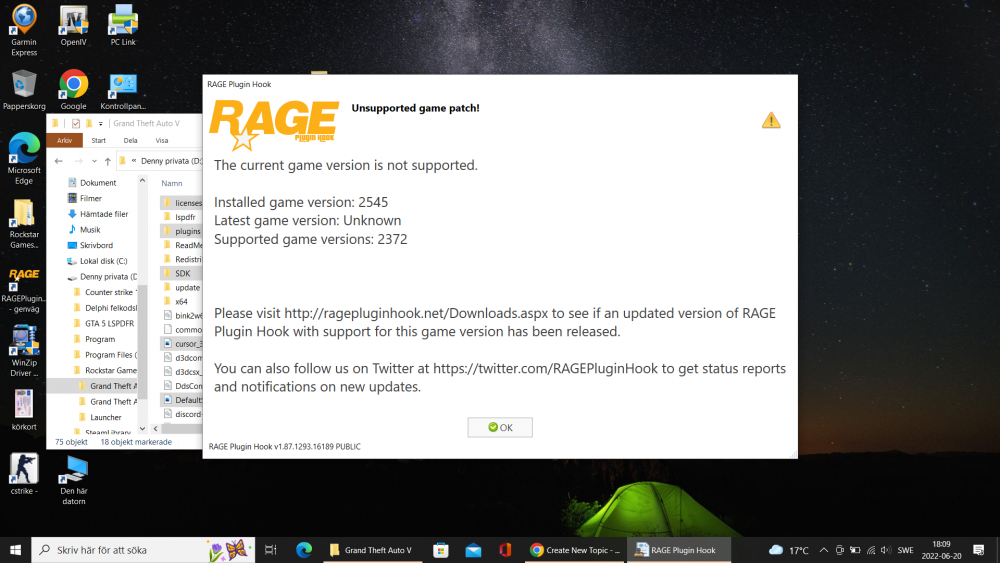
when do you update the LSPDFR or rage plugin hook? I cant play it. The current game version is not supported. Installed game version: 2699 Latest game version: Unknown Supported game versions: 2372 //Denny
-
but i have download it from homepage yesterday and 2 times and it says this evertime I start RPH file. I tryed again and now it works. Thanks!
-
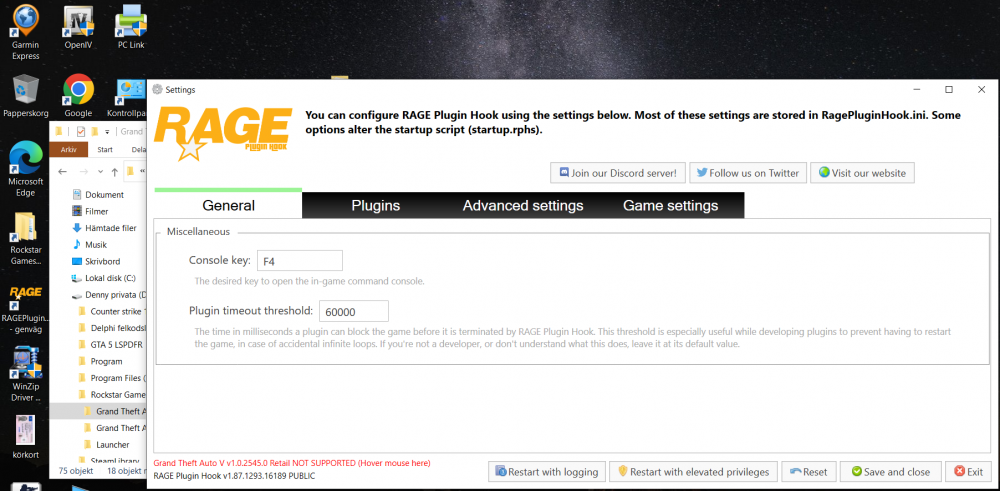
need help to find rage plugin hook or update on LSPD First Response 0.4.9 (Build 8151)
-
can you make a video on how to do?
-
does anyone know where to download the new version of rage plugin hook? I deleted my gta folder and then realized that I had my backup there and now I can no longer play .. This is what it says when I start Rage plugin hook: The current game version is not supported. Installed game version: 2545 Latest game version: Unknown Supported game versions: 2372

