


JimmySkywalker
Members
-
Joined
-
Last visited
Everything posted by JimmySkywalker
-
Hello?
-
Yes I already did that and sent you the logs. Is there some other log files instead? I have attached again after crash. launcher.log RagePluginHook.log
-
I have attached them here. Most recent log is where it crashed at ~7:38pm RagePluginHook.log launcher.log
-
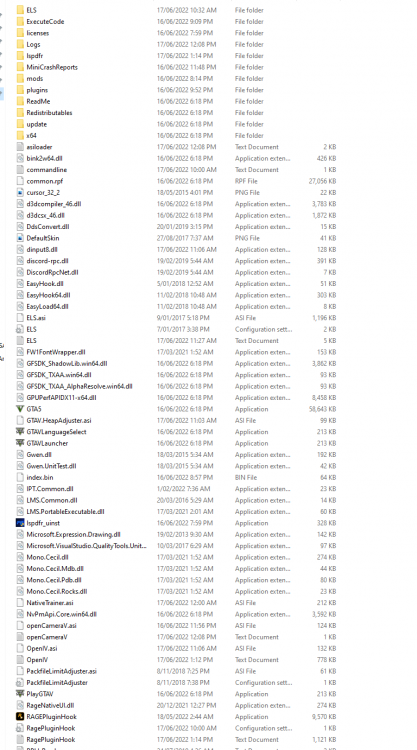
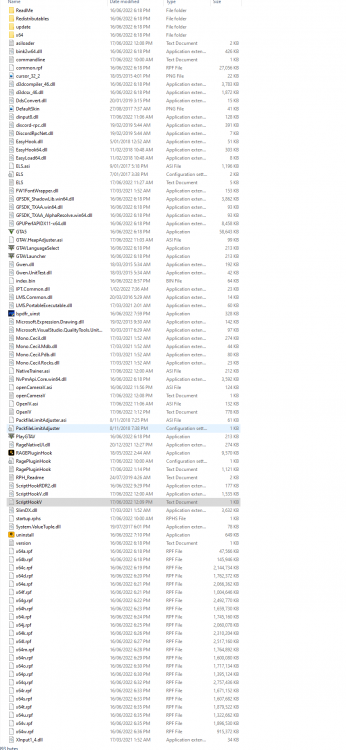
Yes Scripthook is installed. See attached screenshot of game folder as well. I followed the guides online for installing ELS and double checked it. Only other thing I can think of is one of downloaded vehicle els files is corrupt etc.
-
Hey! I've been having a really annoying issue with getting ELS to work. I have installed the files from the ELS download but whenever the Advancedhook.dll file ( included in the ELS download) is in my GTA 5 Main folder it crashes my game. So I get through the load screen but as soon as I reach the end when LSPDFR loads the game just crashes and no error code or messages displayed. I have tried a fresh install of GTA5 and still having the same issue. I have all the other ELS files in the GTA5 folder without issue but as soon as I copy the Advancedhook.dll file it just crashes. Would love some help with this and not sure what else I can do.

