


SnakeVenom33939
Members
-
Joined
-
Last visited
Everything posted by SnakeVenom33939
-
 Same problem here! Lights work after removing the mod from my game directory, but now my car packs don't work properly.
- 342 comments
- 19 reviews
-
-

- 1
-
-
 Green Taser Version (LAPD Style), at least that's the one I've been using. No hats and the standard version are correct, I believe. It's the body camera and vest ones that use the standard Yellow Taser instead of green.
- 953 comments
- 24 reviews
-
I'm experiencing the same issue with the Body Camera's folder. When installed, LSPDFR crashes when trying to start. Also, it seems that the presetoutfits.ini hasn't been updated for multiple folders and is just using the standard one with the vest, body cameras, and antennas.
- 953 comments
- 24 reviews
-
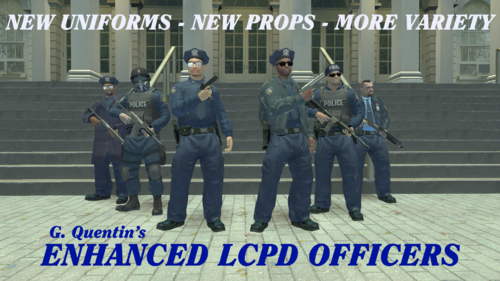 Hey! In your mod, your readme talks about the possibility of certain clothing items like the tactical pants and helmet being spawned by scripts. I recommend contacting Catsmackaroo and ItsClonkAndre as they have implemented that feature in their Liberty Tweaks mod https://gtaforums.com/topic/991160-liberty-tweaks/ which allows armored cops to spawn in four stars and above. It'd be cool if you guys could get together and mix your models with their mod. Anyway, love your mods!
 -
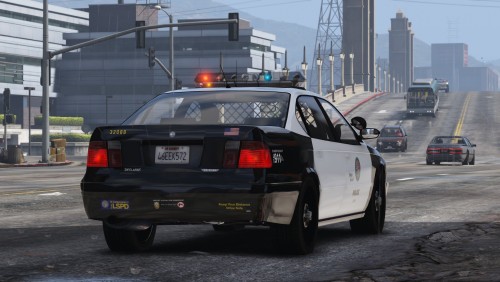 Just to clarify, this is a outdated version of the mod. If you want the latest version, head to the GTA5 Mods website and get it there! Here is a reference link: https://www.gta5-mods.com/vehicles/addon-lspd-mini-pack It still has the Merit bug but at least you get more vehicles!
- 14 comments
- 2 reviews
