


don drako
Members
-
Joined
-
Last visited
Everything posted by don drako
-
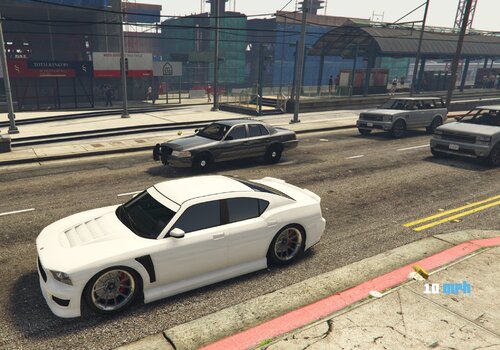 Hi, I missed a part of the explanation, I installed the extra slots by itzDeanko and i spawn the cop cars in the game, all of them work perfectly, but, what can i do with that cars? i mean, where i should put them?. The Extra Slots by itzDeanko told me to create a folder "extrapolicecars", i edited the dlclist and the extratitleupdatedata.meta.xml, but i dunno how to continue, if anyone could help me i would be grateful.
