Skip to content
View in the app

A better way to browse. Learn more.

LCPDFR.com

A full-screen app on your home screen with push notifications, badges and more.

To install this app on iOS and iPadOS
  1. Tap the Share icon in Safari
  2. Scroll the menu and tap Add to Home Screen.
  3. Tap Add in the top-right corner.
To install this app on Android
  1. Tap the 3-dot menu (⋮) in the top-right corner of the browser.
  2. Tap Add to Home screen or Install app.
  3. Confirm by tapping Install.

Wolfyie

Members
  • Joined

  • Last visited

  1. I have been making personal cars for my use for a while now am still relatively new to this but am getting an issue where when i export my vehicle it would tint the windows and lightbar without me doing anything. Tried removing the tint with a trainer and it does nothing. Does anyone know the cause of this and how to fix this issue?
  2. Good day am asking if anyone knows how to properly install this visual mod for lspdfr. There is no known tutorial that i came across and i would like some assistance setting up this mod
  3. hey I have to ask am relative new but still know how to set up ELS light etc. am asking how do you make the siren controller, radio and laptop light up on the interior of the car? This is the only think I have not figured out through trail and error would be much helpful if you could assist.
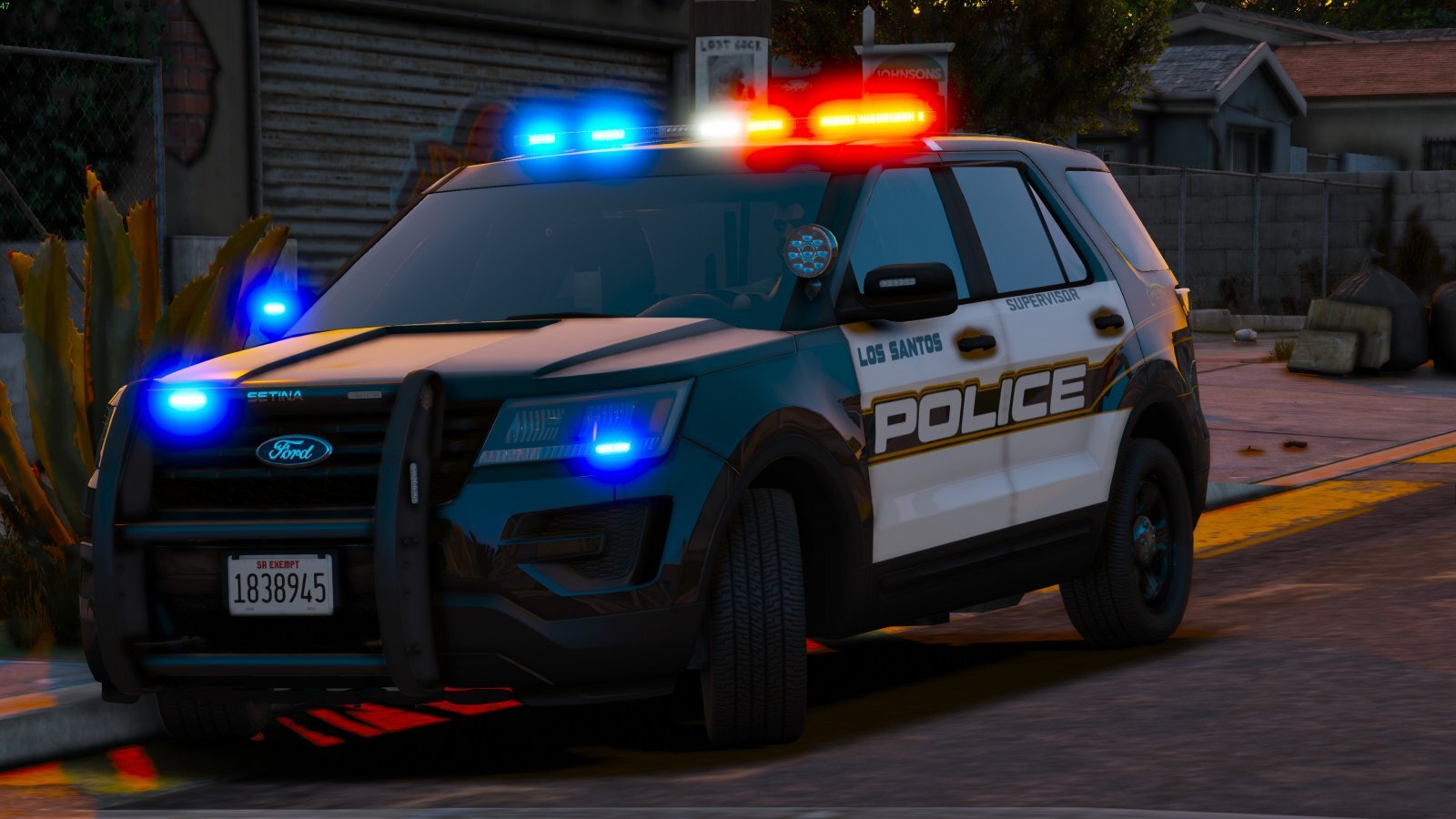
  4. Love this pack i saw in the pics that the cars have ram bars but i cant get them in game could you help?
  5. I am new to lspdfr and was wondering how do you use and setup non-els cars i already know how to install them just not how to use them could anyone help?

Account

Navigation

Search

Search

Configure browser push notifications

Chrome (Android)
  1. Tap the lock icon next to the address bar.
  2. Tap Permissions → Notifications.
  3. Adjust your preference.
Chrome (Desktop)
  1. Click the padlock icon in the address bar.
  2. Select Site settings.
  3. Find Notifications and adjust your preference.