


SB10
Members
-
Joined
-
Last visited
Everything posted by SB10
-
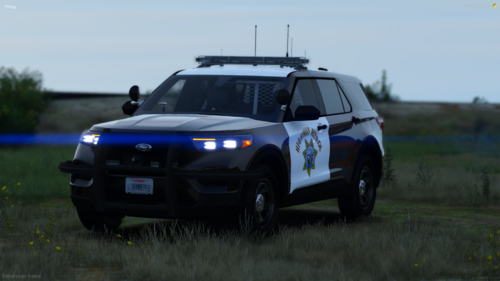 Good livery, detailed interior, good lighting. Unfortunately, for whatever reason, both the replacement and add-on break my sirens (for this car only), and the takedown lighting is backwards. I use the provided ELS XML file and all of the meta files, but it does not fix it. It is a bit disappointing because otherwise, it is an excellent car.
- 61 comments
- 10 reviews
-
-
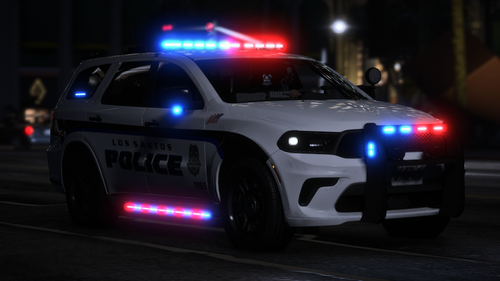 Amazing work as usual, but for whatever reason the first car I spawn after loading in has all of the lights on as kind of an overlay, though if I spawn more, the problem is gone.
 -
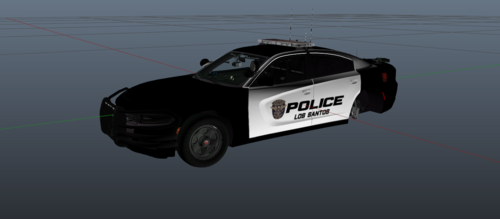 Excellent color scheme, the caution texture at the back is a nice touch.
 -
The livery isn't in the download?
-
 Love the pack, anything by rabbitdev is awesome! If I had more income I'd 100% become a patron.
 -
-
-
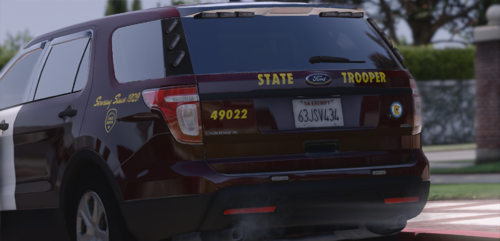 The links are in the individual vehicle folders, titled like 18 charger info.txt
- 7 comments
- 1 review
-
What are the links to the models? the liveries look amazing by the way! EDIT: Never mind, found them
- 7 comments
- 1 review
-
 Thanks!
 -
Can you post the links to the vehicles? I can't find any of them.
-
-
 Awesome pack, I just wish it had takedown lights.
 -
I switched some keybinds up and that fixed the traffic stop problem, but that solved my graphical issues! Just curious, why do those plugins need to be removed? How are they problems relating to my issues?
-
RagePluginHook.logHere it is
-
I recently got back into LSPDFR and have encountered two main issues that make playing difficult. 1. After around 30 minutes of gameplay in the city, all of the surroundings will quit rendering, making everything blurry and hard to navigate. 2. When I initiate a traffic stop everything is fine until I return to my vehicle to access the computer. As soon as I enter my car, the person I pulled over drives away in a straight line until I either start a pursuit or end the traffic stop. I have removed all mods but both issues happen after loading the LSPDFR mod. I am at a loss as to what could cause this. Below is my plugins list
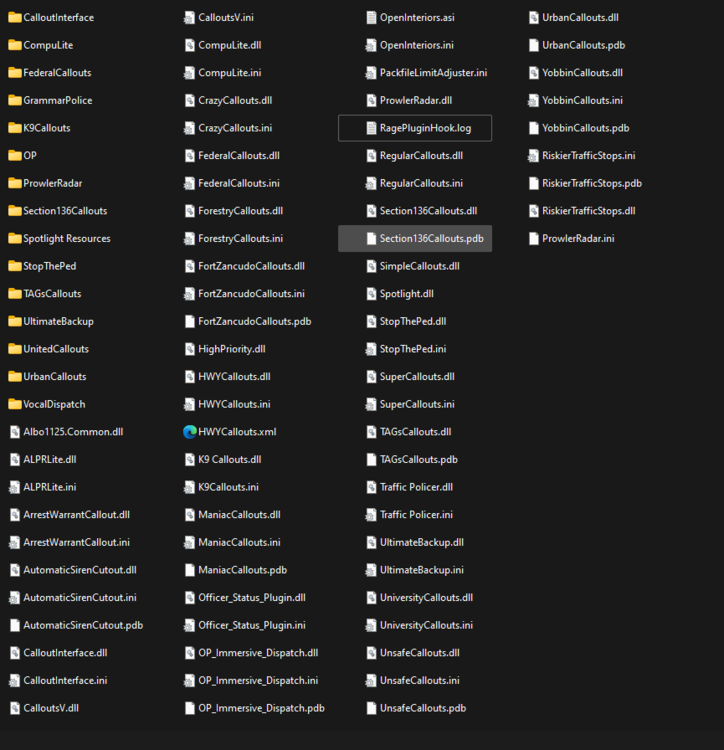
-
Hi, Did you drop the (example file) police.xml file from the vehicle pack to the els/pack_default folder in your GTA V directory? The folder will look like this:
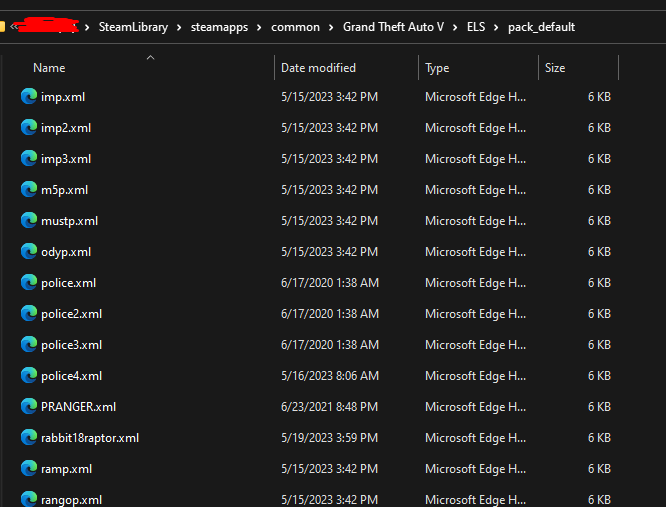
-
I have tried uninstalling els and all components and reinstalling els and components and nothing lights up except tail lights. Please help, I have no idea how to fix it.
-
I have no idea how to fix. Attached is my RPH file RagePluginHook.log
-
 I have this problem too.
 -
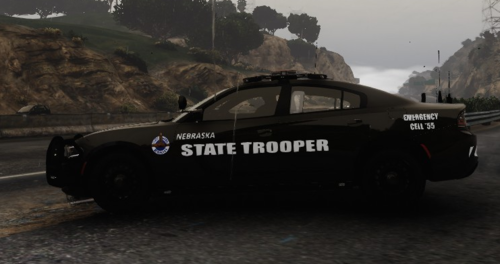 This is a livery for most 2018 charger vehicles. The Charger in the screenshots IS NOT MINE, only the livery is. Charger vehicle is from this amazing pack by Ripple: https://www.lcpdfr.com/downloads/gta5mods/vehiclemodels/26793-els-sahp-code-3-pack/ Should work with most 2018 Charger models, but it looks best with the charger from Ripples BCSO nFORCE pack ( ). Make sure to leave a review so I can improve it!
 -
@cakuzma I forgot to redownload gameconfig. thanks for the help! EDIT: Now I get a failed zlib call error.
-
I'll try this, but I have added stuff before
-
I meant the problem happens when I modify either of the files, but I believe the dlclist is to blame




.thumb.png.54dd8822dd552c9e95975a80dfb0ef2c.png)


