DanielWolff042
Members
-
Joined
-
Last visited
Everything posted by DanielWolff042
-
-
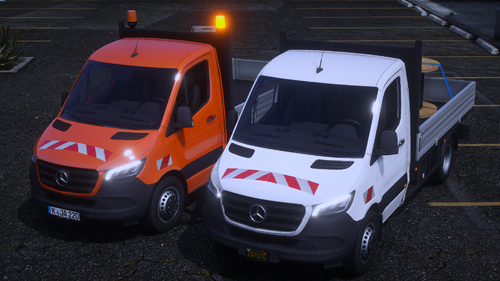 Geiles Fahrzeug, guter Ersteller und vor allem ein schneller Bugfixer. Danke Jan für dieses Meisterwerk!
- 3 comments
- 1 review
-
-

- 1
-
-
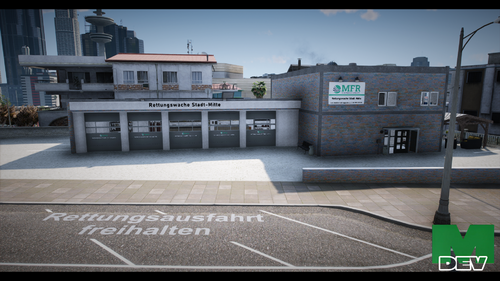 Ganz schön sinnlos ein "kostenloses" MLO anzubieten, was aber nur mit einer Nutzungslizenz genutzt werden kann, weil 90 % einfach fehlen die man ohne Lizenz nicht bekommt. Macht es doch gleich kostenpflichtig.