VIZS
Members
-
Joined
-
Last visited
Everything posted by VIZS
-
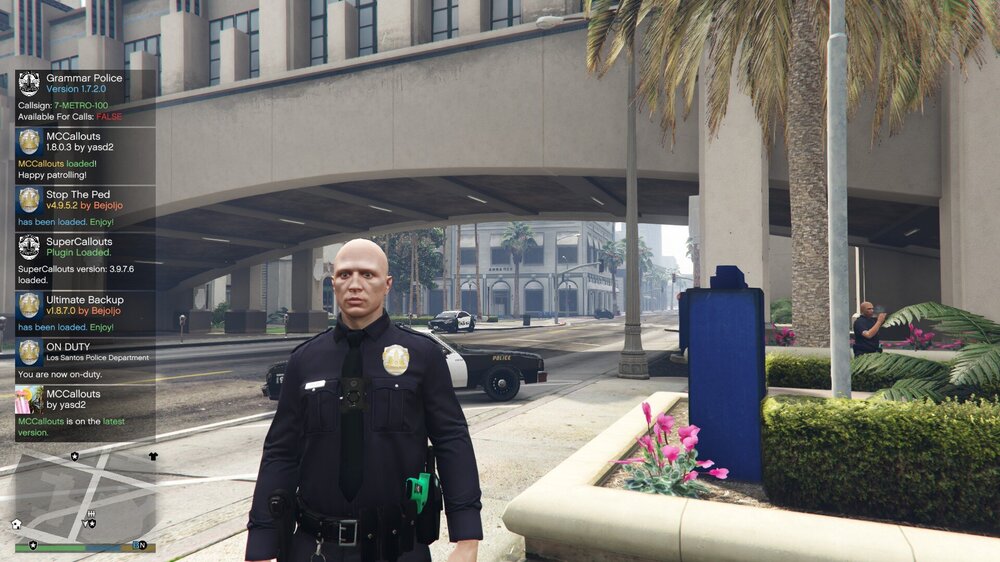
when I go on duty, instead of my female character, a standard male character comes out, and if I go off duty then the character becomes female again
-
logs from that time, it also says windows 10 pro although now I'm using windows 11 pro RagePluginHook.log
-
RPH does not see the game even if it launches it itself, I was able to launch it only as an administrator and with Disabled DirectX Hook, but no plugins worked and sometimes instead of launching game it says this is taking longer than usual
-
I have eup and sup installed, however, through the menyoo and eup menu I can only wear hats from the story mode, hats from GTA online also do not work and when I call swat he arrives without helmets
-
-
-
-
-
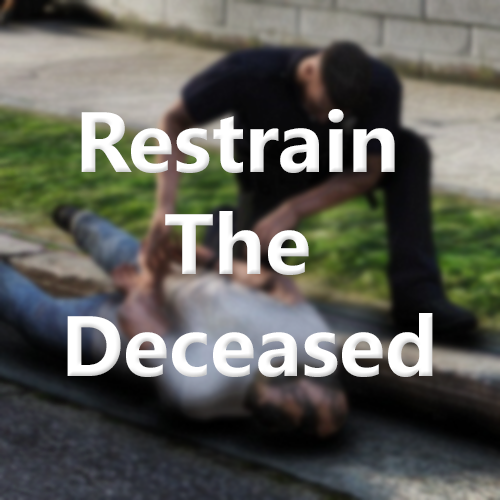 I like this plugin
 -
-
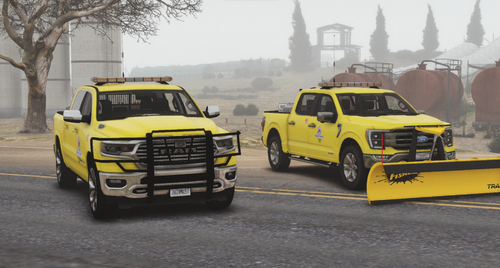 good cars
 -
-
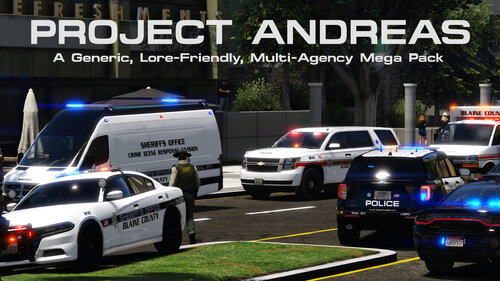 good
good -
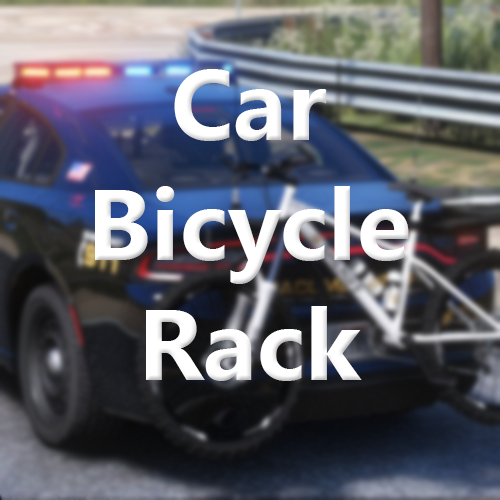 cool, I like cycling on the beach
 -








.thumb.png.1e51e7718763b855717b6048369b5d10.png)