Skip to content
View in the app

A better way to browse. Learn more.

LCPDFR.com

A full-screen app on your home screen with push notifications, badges and more.

To install this app on iOS and iPadOS
  1. Tap the Share icon in Safari
  2. Scroll the menu and tap Add to Home Screen.
  3. Tap Add in the top-right corner.
To install this app on Android
  1. Tap the 3-dot menu (⋮) in the top-right corner of the browser.
  2. Tap Add to Home screen or Install app.
  3. Confirm by tapping Install.

Ghooly

Members
  • Joined

  • Last visited

    • 20 downloads
    • Version 1.0.0
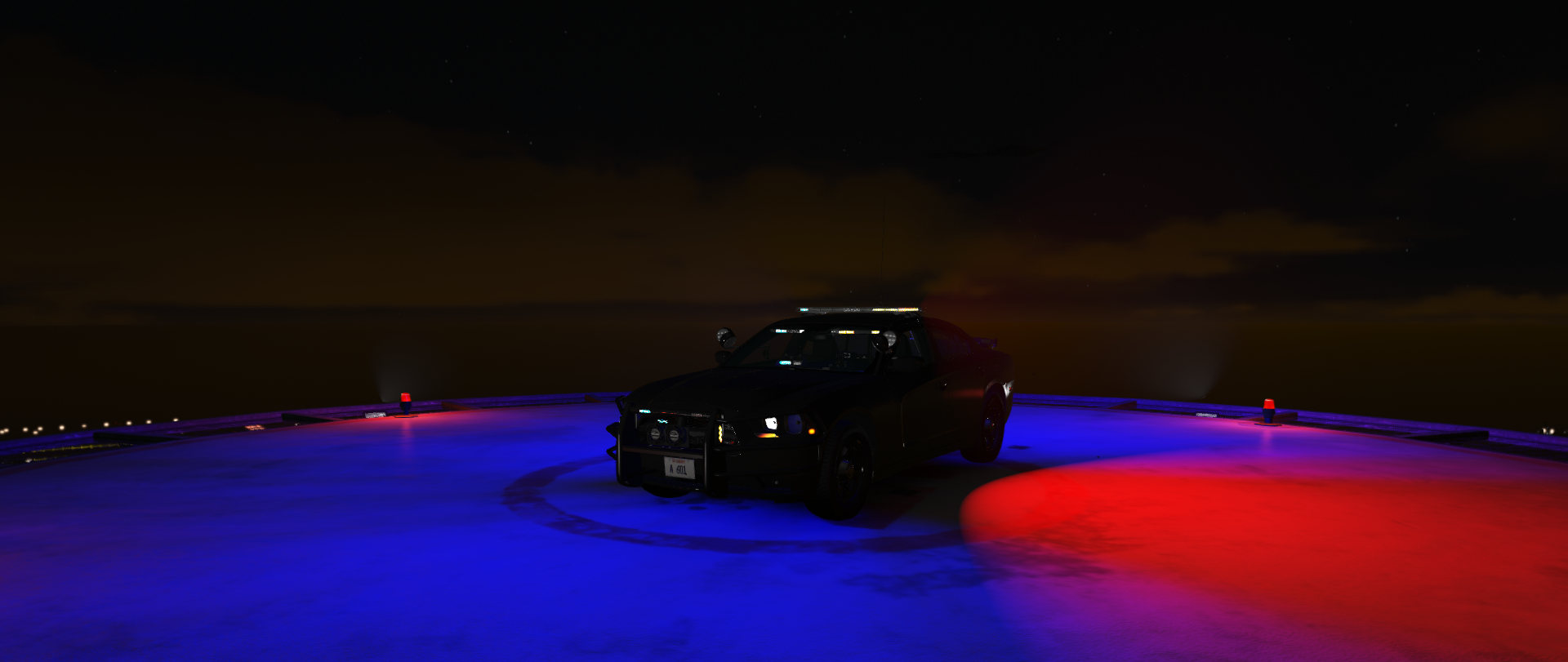
    The model used^^^
  1.    Ghooly reacted to a file: Stow That Weapon
  2. Mike Cloudy     Was killed in Rockford Hills, Eastbourne Way
  3. That works, thanks for the help!
  4. Mike Cloudy     Responded to a Pursuit in Mission Row, Sinner St
  5. Mike Cloudy     Went on-duty at Downtown Police Station in Mission Row, Atlee St
  6. Whenever I go to start my game in RPH it will load like normal then when I get to the rockstar games launcher it will say it's loading and then it just says quitting without ever loading the game. I haven't added any files or messed with anything since the last time it worked so I don't know what's happening. I have gtav on the epic games launcher if that makes a difference. And even regular GTAV won't load.
  7. Alright it's fixed now, thank you so much for the help!
  8. Ghooly changed their profile photo
  9. I got ELS and some ELS cars only one works the rest spawn like this and I can't fix it. https://imgur.com/a/uNy1Xcw

Account

Navigation

Search

Search

Configure browser push notifications

Chrome (Android)
  1. Tap the lock icon next to the address bar.
  2. Tap Permissions → Notifications.
  3. Adjust your preference.
Chrome (Desktop)
  1. Click the padlock icon in the address bar.
  2. Select Site settings.
  3. Find Notifications and adjust your preference.