


Alfr3d
Members
-
Joined
-
Last visited
Everything posted by Alfr3d
-
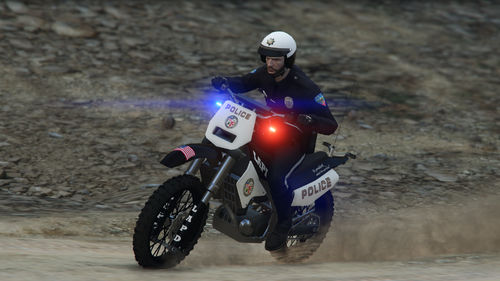 This is a nice looking dirtbike! I love the lights and it just looks great!! I didn't want to replace policeb but I still wanted the dirtbike and after a while I found the solution! Although the pull-overs are glitchy, it works and is an emergency vehicle. I made a tutorial for it:
- 30 comments
- 1 review
-
So, I decided to change it to _mod and then I changed it back and it worked. The callouts are fine now!
-
So, I realised I can change the mods folder to _mods and it works fine. Thing is, I want to use the vehicles I've imported and use EUP Menu.
-
I made a LSPDFR account solely for this reason. Whenever I take the 'Apprehend wanted suspect' callout, my LSPDFR crashes. It's the same for the Meth Lab callout from Sanders0n's SWAT response callouts. If anyone has a fix for this then it would be greatly appreciated.
-
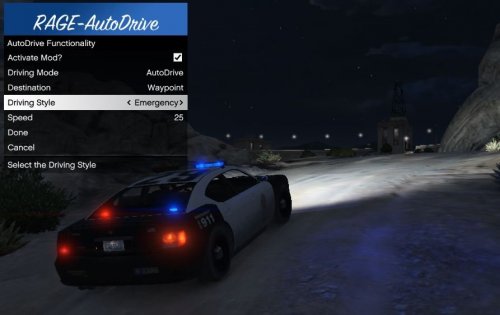 THIS. IS. AMAZING!!!! Nothing else to say. It helps alot, espescially when just trying to get to a far location but don't want to do a boring drive. I recommend this greatly!

