


batwingsix
Members
-
Joined
-
Last visited
Everything posted by batwingsix
-
 One thing that is missing that I have seen specifically is fights. General fights to domestic disputes. So far as your CVE stuff, if you need some guidance as to questions and the like, I am prior SO and current CDL driver. Can give some basic rundowns of how CVE inspections / CMV interactions in general go, if youre interested when you get to that point let me know.
 -
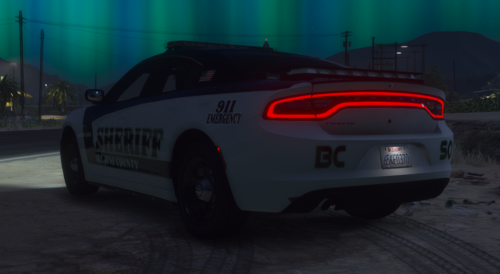 That moment your Sheriff realizes that people can only see you from 7 miles away and he demands 17 mile visibilty
 -
 I have already ditched Computer+ and Compulite completely with this mod. I cant really comment much on doing things outside of the vehicle other than writing a few parking tickets by hand out of spite lol, but the ability to sit in the seat, look at the computer and do what I need (as well as type in a comments section)... this wins LSPDFR for me. It is still a WIP but I wont use anything else now, I honestly dont even think I can use anything else, I cant wait for even more improvements. If I would suggest something though, adding in Citation History like the arrest history we already would aid a lot to have so we can have more information to work with when deciding whether to give citations or warnings. Looking forward to this mod developing even further (not going to lie, I came back to LSPDFR just to test this out and it has me hooked again).
- 713 comments
- 33 reviews
-
-

- 1
-
-
I am trying to select in in Menyoo but it is only selecting the car in its entirety. How do you select just the computer to move? - Disregard, went into the XML and manually moved the positions
- 713 comments
- 33 reviews

