


dogi
Members
-
Joined
-
Last visited
Everything posted by dogi
-
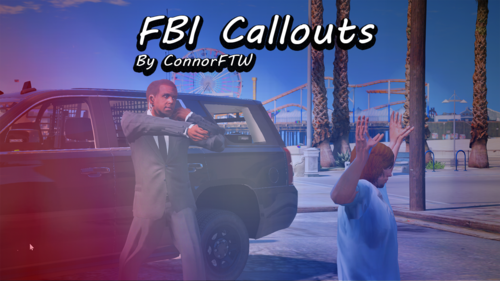 Станьте главным в конвое сопровождения президента (или премьер министра). Будьте готовы к снайперам или к перекрытой дороге, вы можете встретить их огнём или сообщите водителю президента (или премьер министра) чтоб он продолжил ехать за вами пока остальные прикрывают вас. Около место конца маршрута вас встретит S.W.A.T. и один боец FIB, и похвалит за хорошую работу или отчет за плохую работу (смотря как поступал игрок). Вот что я смог придумать плагин топ Become the main one in the escort convoy of the president (or Prime Minister). Be ready for snipers or a blocked road, you can meet them with fire or inform the driver of the president (or Prime Minister) so that he continues to follow you while the others cover you. Near the end of the route, you will be met by S.W.A.T. and one FIB fighter, and will praise you for good work or a report for bad work (depending on how the player acted). Here's what I was able to come up with a plugin top
- 102 comments
- 11 reviews
