


imollie2222
Members
-
Joined
-
Last visited
Everything posted by imollie2222
-
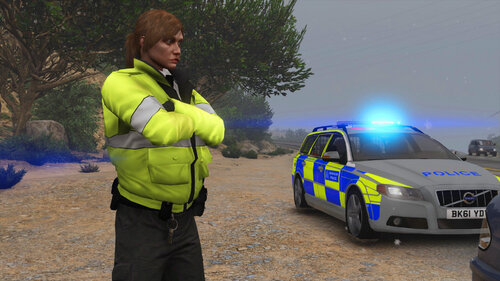 So I replaced all of the files that are included in the uniforms folder, but I noticed a lot of the different divisions under the file have the same file names and it did work but a lot of the uniforms kept merging together. I also wasn't sure where to put what since there are 2 different sections under EUP DLC called eup_componentpeds and eup_componentpeds_p, what do I put where and how do I fix it?
- 115 comments
- 3 reviews
