


CyberWolf91
Members
-
Joined
-
Last visited
Everything posted by CyberWolf91
-
Would this be the same I load my game with no mods at all no plugins started and it crashes withing 2-5 mins of game play. I turned off all plugins and it still just crashes.
-
There’s no clear crash error or exception logged so not a hard crash butttttt........ What was going on right before my crash was I was running LSPDFR with multiple plugins, including: 686 Callouts GrammarPolice ProwlerRadar A callout (LargeVehiclePursuit) had just started Assets (vehicles, peds) were being spawned and preloaded Then the log just… stops. No error, no shutdown message. Anyone look and help me identify this? RagePluginHook.log
-
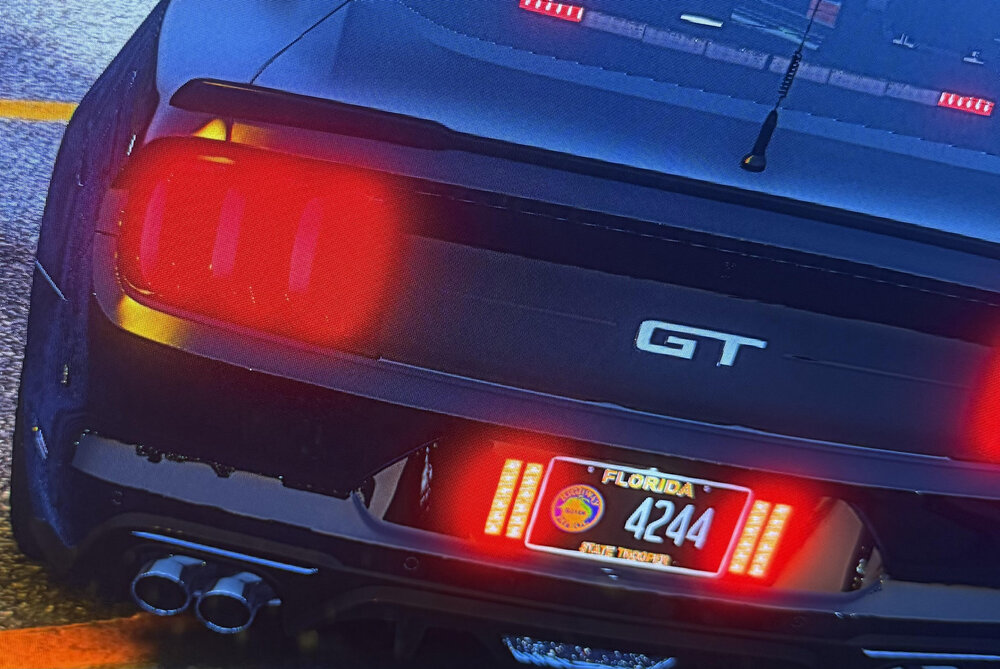
does anyone know how to remove the halo effect around lights? it just happened with my new pc I have a 5080 with great specs and NVE and ENB + reshade installed but I can not seem to remove this at all thanks I HATE this lol Uploading Attachment...Uploading Attachment...Uploading Attachment... this is an example
-
Hello everyone I literally restarted my GTA from scratch and hardly have anything installed but I still get a continous crash. Ill attached my log if anyone can look at it and let me know! I also noticed that any cars I put into the patch day of "patchday8ng" do not show in game. Is this the latest patch? also, I only have a few plugins installed like prowler radar and one callout pack. I also have NVE and Reshade but that is really it other than my addon car packs. It does not matter which car I am in from any of the car DLC ADDON packs my game crashes within roughly 20-30 mins each time I play. RagePluginHook.log
-
You put the most recent ELS in with an older version of advancedhook? that is NOT included with ELS? Like an older version of advancedhook? I did and mine fixed the issue.
-
I forgot I sent this out. I restarted and installed everything fresh can you look at this log and tell me if you notice anything? RagePluginHook.log Thank you for helping me This is another log from a crash in the same timeframe. RagePluginHook (2).log
-
Here is an updated log from todays crash to better determine the root of the crashes. I literally can play roughly for 10 minutes or 20 max and it crashes. RagePluginHook.log
-
Try putting an older version of ELS into main directory. That worked for me the included advancedhook did not work for me.
-
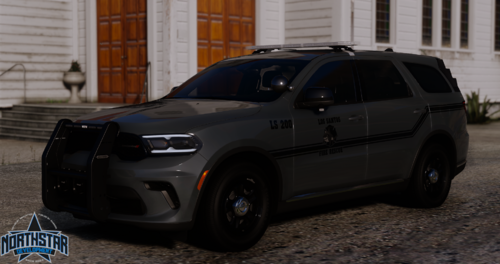 Bruh just run LML and run it as ELS, you will only have 1 stage and have to activate extras to get it to work.
 -
Can anyone look at this crash log and tell me if they notice anything that would cause a crash? Also, my replace cars do not work at all after a fresh install of GTA. Which patchday should they go in? Thank you for the help!! RagePluginHook.log
-
This is the HARDEST Fire Rescue chase unit I have seen on this site! Great job!
-
It crashed both times with both of those steps. I thing I am going to delete and start fresh. I wanted to avoid that but I can't seem to get anything to work. When I renamed the mods folder it crashed and said fatal error with vehicles.meta for an addon car I put in from LML
-
Tried and now it crashes and this is the log it generated. RagePluginHook.log
-
Thank you I will try this and let you know!
-
I do not believe this is an LSPDFR issue can anyone look at this and tell me why evertime I play it crashes withing 10 mins or so everytime. Sometimes I can play for 30 before it crashes but it does every single time. I belive I have updated everything but I can't figure this out on my own. Any help! Have not been able to play for months. Please! RagePluginHook.log
-
Hey all, My GTA 5 crashes every time i play the game after roughly 10/15 mins of gameplay. I have attached my RPH log. Also, unrelated to the crash every replace car I place in through OPENIV does not show in game if anyone would know a fix for that I would appreciate help on both fronts! This is driving me crazy because the crash happens every time without fail. Even when I go on duty and do roughtly 1 or 2 calls the games crashes. Again, Thank yall for helping! RagePluginHook.log
-
-
-
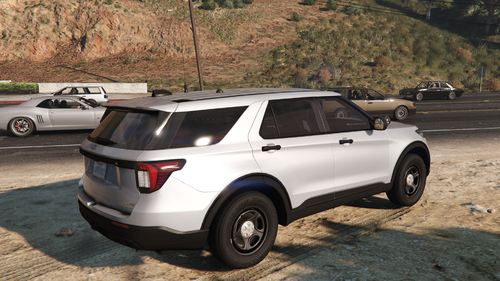 Are the spot lights removable as extras?
 -
Hey all, after I go into modify the light colors in the /ytd and change the ELS reflection color on a car sometimes the lights still show blue after I change to red where else do I need to edit the color beside the .ytd and in the ELS config. I appreciate anyone who has info or tips! This refers to only the reflection color of ground and building etc.
-
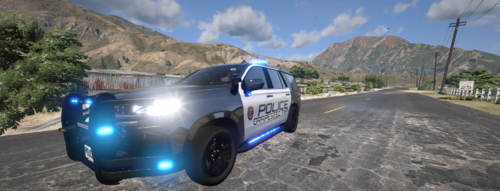 What siren is that? Sounds like maybe a carson? do you have the link? Use LML and a few small quick plugins to use N-ELS as ELS. I have been doing this for a long time and even use this Charger in my on SP. If you need help DM me on discord https://discord.gg/7KtD9pPX I can help with questions or anything of the sort!
 -
Can anyone look at this and tell me why my game crashes randomly? I do not know what I am looking at or have any idea which forum to put this in. RagePluginHook.log
-
I appreciate that! It crashes on Steam Launch as well. I tried this and idk if I am missing something but this is the log it generates after crashing now. RagePluginHook.log
-
Did that and this is what it shows now RagePluginHook.log
-
It has been updated now and doesn't go past the loading screen now attached is that log RagePluginHook.log




