




AEddie
Members
-
Joined
-
Last visited
Everything posted by AEddie
-
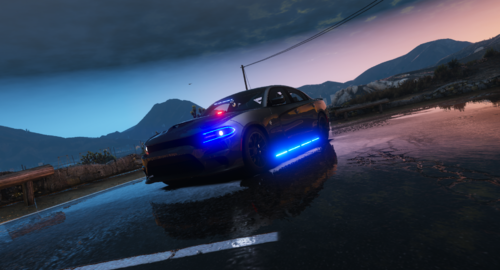 NVM I wasn't putting the handling ID in correctly whoops amazing car BTW love the way it handles and the looks of it
 -
hey Love the car Btw but it doesn't have a handling .Meta file I tried adding one to the file to see if that works but its not I don't think I'm doing anything wrong is there a handling .meta file that you have or no??
-
.thumb.png.b1762fcd0a667a8a6ac5f8068c8cbb7d.png) I'm having the issue with when you spawn it in u spawn under it and then when you run to the driver side it crashes your game and I don't know how to fix it I've made sure that all the files were in the right spot
I'm having the issue with when you spawn it in u spawn under it and then when you run to the driver side it crashes your game and I don't know how to fix it I've made sure that all the files were in the right spot- 28 comments
- 4 reviews

.thumb.png.b1762fcd0a667a8a6ac5f8068c8cbb7d.png)