Ruski Gxng
Members
-
Joined
-
Last visited
Everything posted by Ruski Gxng
-
"It is a seperate log, double check the main game folder" - Please could you show me an example or elaborate on this? Also I have now added full read and write permissions to users and it still does not work sadly
-
I have added the line to commandline.txt and the log still isn't being created, I can see it is being created on times where the game has launched successfully commandline.txt commandline.txt
-
Slight issue on that, my RagePluginHook.log does not get created when the game crashes, so here are all other logs in the game folderasiloader.logSirenSettings.logopenCameraV.logHeapAdjuster.logOpenIV.log
-
Can someone please help me with OIV mods. I can install and play any LSPDFR mods and scripts but whenever I download an OIV and use OpenIV - tools - package installer the game does not pass the sirens at launch. I have tried looking up and replacing so many files but the issue is just when using OIV. Has anyone had this issue or does anyone know the solution? all files are up to date and work successfully with no issue without any OIV mods installed. Any help would be massively appreciated
-
Fixed... deleted the game and reinstalled it, now it works
-
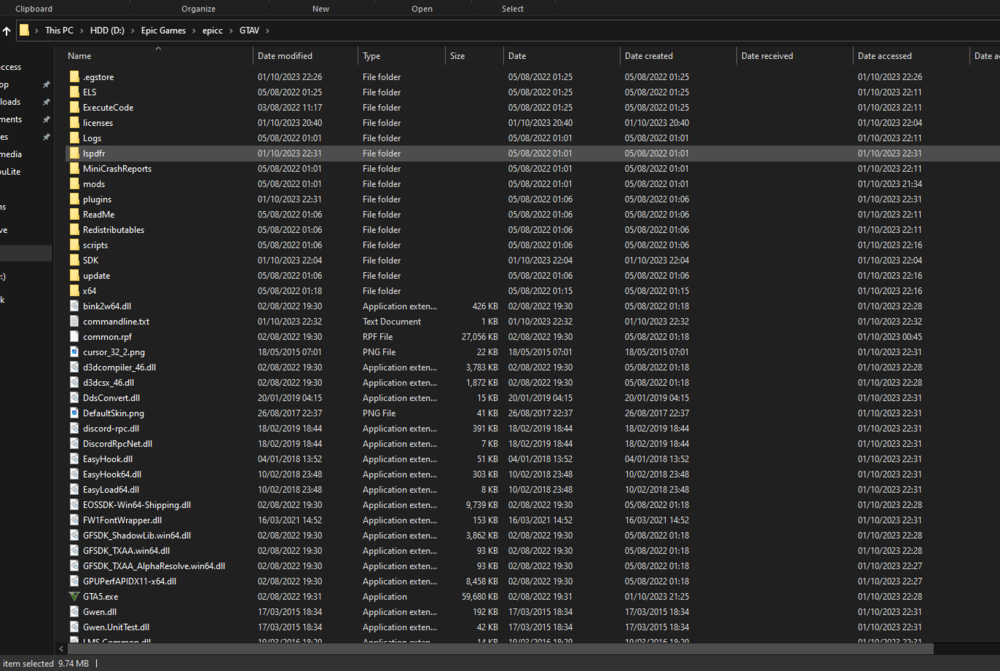
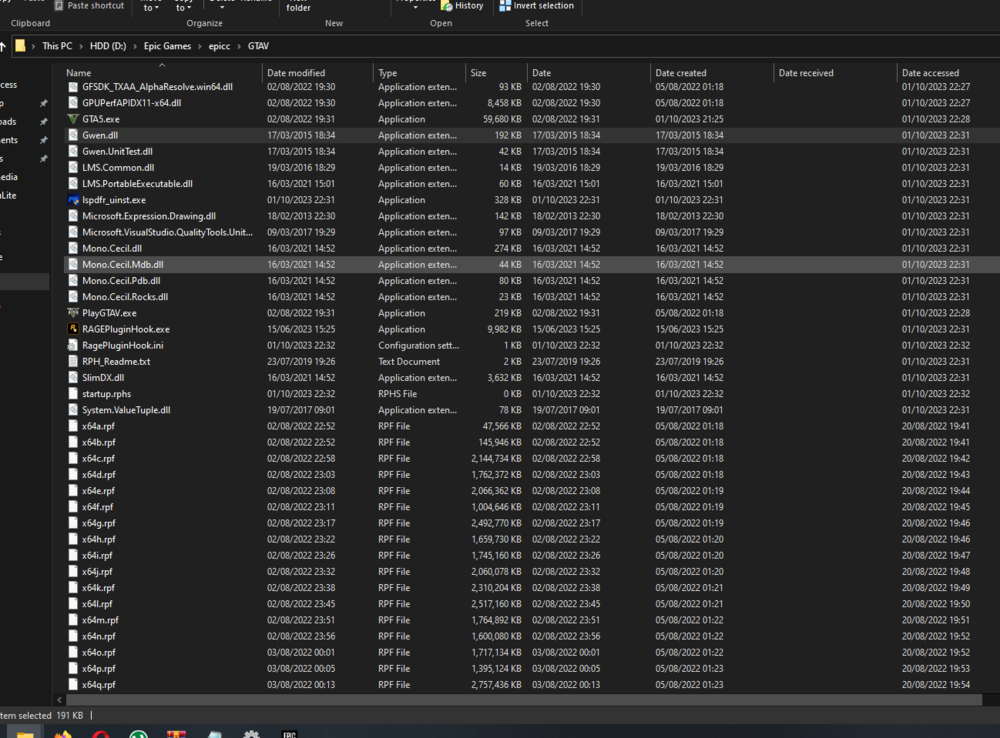
Hey @Cyan, Yeah they are all in the same folder
-
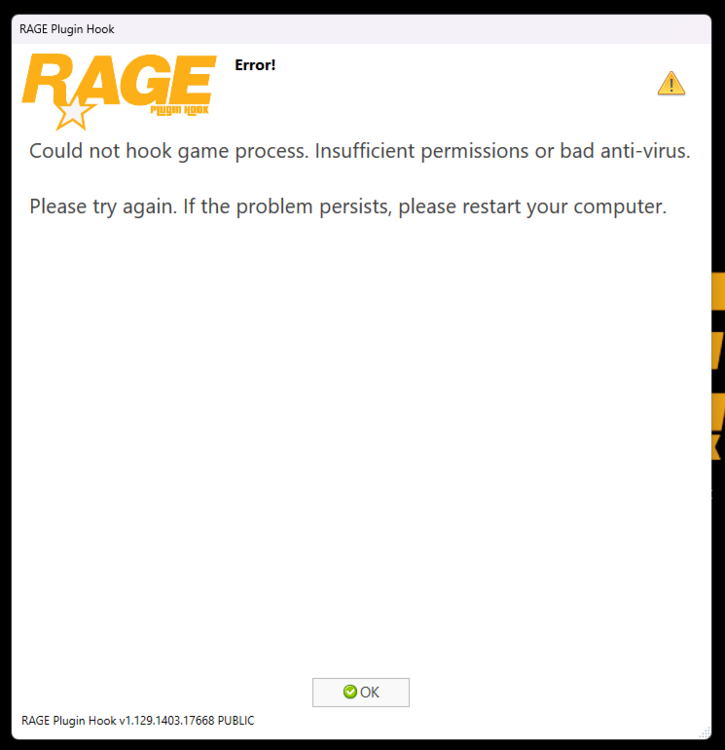
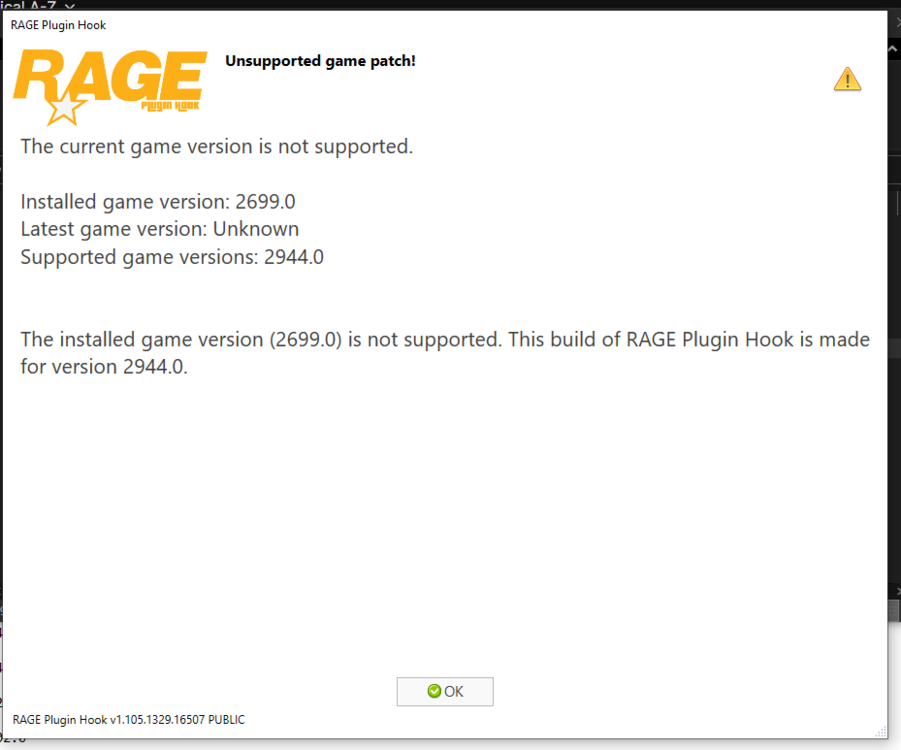
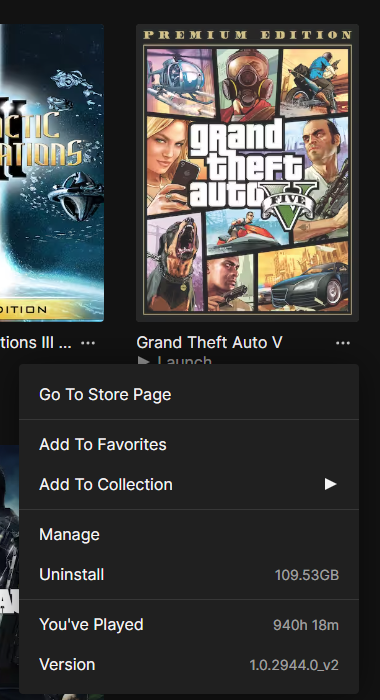
Hi, Just installed GTA V after a while, so a clean copy (from epicgames) I installed the latest version of LSPDFR and it came with the RPH, however this is the errors that come up and the plug in won't load. any help appreciated
-
Hi All, I am playing GTA V on my pc and the game is running smoothly with over 60fps on max graphics, it can run with no issues and then out of nowhere BOOM... Rage plugin crashes, here is the crash report for GTA V launcher.log
-
They are all installed correctly with all the instructions followed
-
So I have found the issue, Ultimate Backup and the series of mods made by BejoIjo do not work with ANY other police call out mods, they used to but I don't know what has changed
-
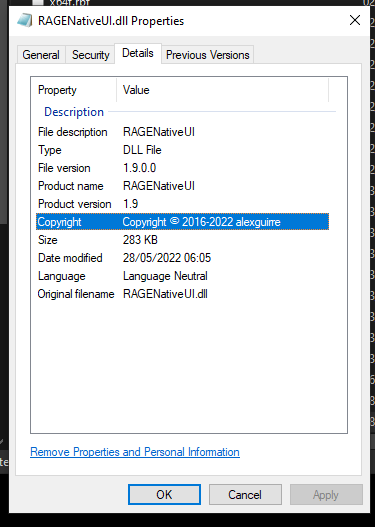
Sorry to be a pain, It just starts working and I mark as resolved but then it happens again
-
It's me again, I don't know whats happening, I feel like it's always going wrong, this time I am so sure nothing is missing or out of date, please help RagePluginHook.log
-
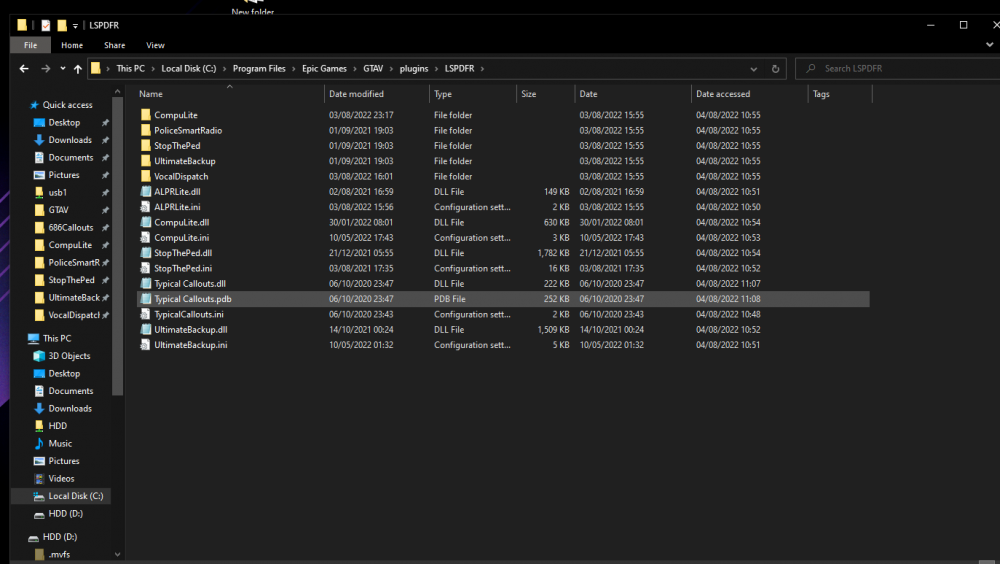
That is the one I downloaded earlier and inserted into my root folder
-
I don't know why my game is still crashing, I can't see any files that are missing or outdated, please help RagePluginHook.log
-
Ahh you absolute life saver!!! Thank you so much, it is working now!
-
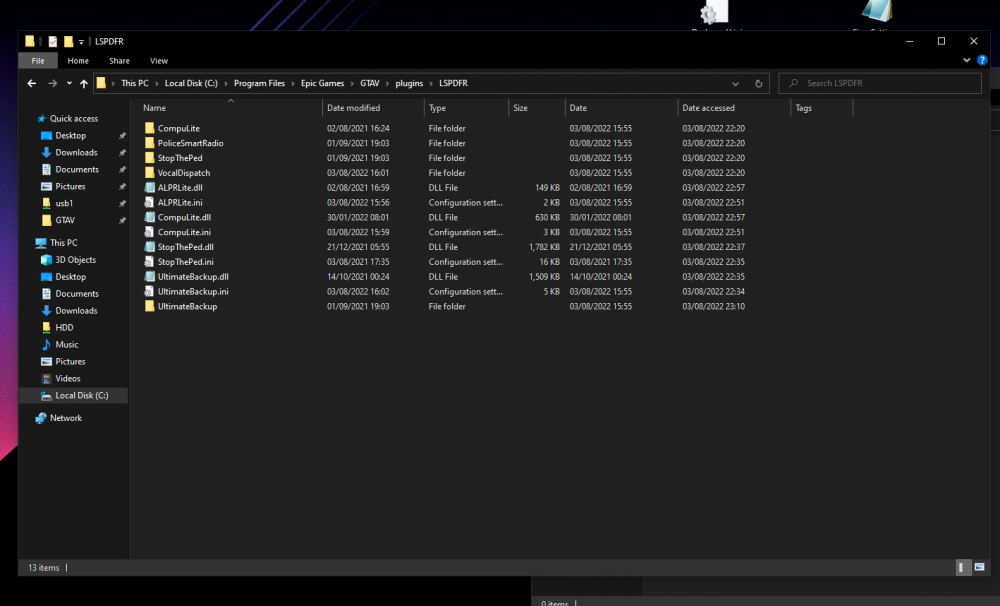
I added it and it is still crashing 😞 RagePluginHook.log
-
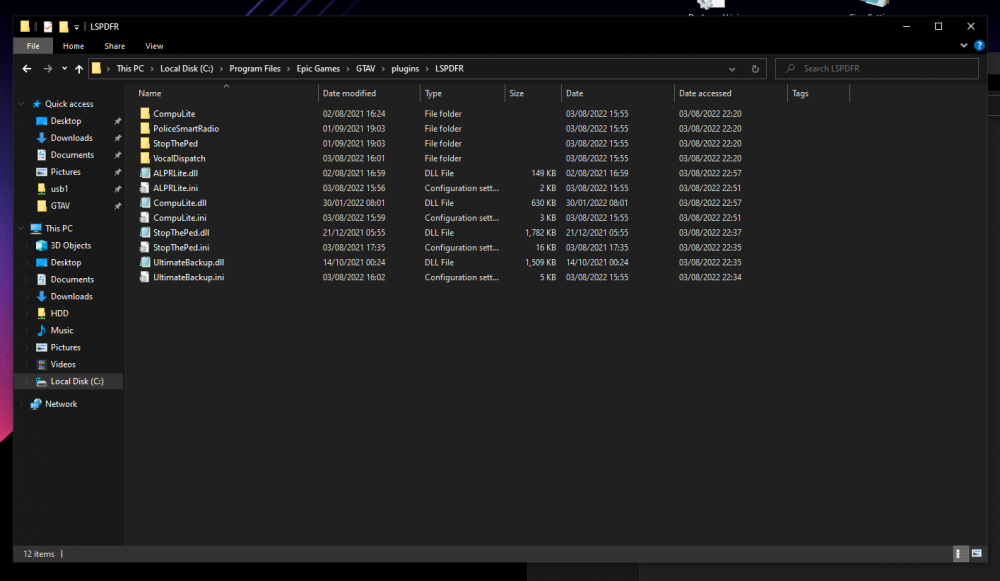
Good Morning/afternoon/evening (wherever you are) I have been playing LSPDFR for over 4 months now and I have had no issues at all, but lately my LSPDFR First Response keeps crashing, I have clean installed the game, added plugins from new and made sure everything is up to date but still it continues to crash and I just want to cry :') Here is my log and my plugins RagePluginHook.log