Skip to content
View in the app

A better way to browse. Learn more.

LCPDFR.com

A full-screen app on your home screen with push notifications, badges and more.

To install this app on iOS and iPadOS
  1. Tap the Share icon in Safari
  2. Scroll the menu and tap Add to Home Screen.
  3. Tap Add in the top-right corner.
To install this app on Android
  1. Tap the 3-dot menu (⋮) in the top-right corner of the browser.
  2. Tap Add to Home screen or Install app.
  3. Confirm by tapping Install.

SND Studios

Members
  • Joined

  • Last visited

  1. Franklin The Goon started following SND Studios
  2.    EddyChen11 reacted to a file: Wolf [Add-On/Replace]
  3. Ehhhh, honestly anything I feel like releasing lmao.
    • 118 downloads
    • Version 1.0.0
    FiveM Ready? Yes. Need support or want access to future exclusive free releases available only on my Discord? Join the server: https://discord.gg/tfB3D6RbnC 🙂 -------------------------------------------------------------------------------------------------------------------------- Story Mode Instructions: [BACK UP THE SPECIFIC FILES YOUR REPLACING IN THERE BEFORE DOING THIS!] Open OpenIV and navigate to the following directory: mods\x64e.rpf\models\cdimages\componentpeds_a_c.rpf\Replace the YDD/YFT/YMT/YTD of the deer in there with the ones from the Story Mode folder. -------------------------------------------------------------------------------------------------------------------------- Discord: https://discord.gg/tfB3D6RbnC Do not attempt to unlock, rip, sell, redistribute, or mess with anything in any way shape or form. --------------------------------------------------------------------------------------------------------------------------
  4.    Cyan reacted to a file: Zebra [Add-On/Replace]
    • 55 downloads
    • Version 1.0.0
    FiveM Ready? Yes. Need support or want access to future exclusive free releases available only on my Discord? Join the server: https://discord.gg/tfB3D6RbnC 🙂 -------------------------------------------------------------------------------------------------------------------------- Story Mode Instructions: [BACK UP THE SPECIFIC FILES YOUR REPLACING IN THERE BEFORE DOING THIS!] Open OpenIV and navigate to the following directory: mods\x64e.rpf\models\cdimages\componentpeds_a_c.rpf\Replace the YDD/YFT/YMT/YTD of the deer in there with the ones from the Story Mode folder. -------------------------------------------------------------------------------------------------------------------------- Discord: https://discord.gg/tfB3D6RbnC Do not attempt to unlock, rip, sell, redistribute, or mess with anything in any way shape or form. --------------------------------------------------------------------------------------------------------------------------
  5.    Trupel reacted to a file: Wolf [Add-On/Replace]
    • 211 downloads
    • Version 1.0.0
    FiveM Ready? Yes. Need support or want access to future exclusive free releases available only on my Discord? Join the server: https://discord.gg/tfB3D6RbnC 🙂 -------------------------------------------------------------------------------------------------------------------------- Story Mode Instructions: Open OpenIV and navigate to the following directory: mods\x64e.rpf\models\cdimages\streamedpeds_a_c.rpf\Replace the YMT in there with the one from the Story Mode folder. [BACK UP THE FOLDER BEFORE DOING THIS!] After replacing the YMT, open the folder named "a_c_mtlion", delete everything inside, and drag and drop the files from the Story Mode folder into it. -------------------------------------------------------------------------------------------------------------------------- Discord: https://discord.gg/tfB3D6RbnC Do not attempt to unlock, rip, sell, redistribute, or mess with anything in any way shape or form. --------------------------------------------------------------------------------------------------------------------------
  6.    SND Studios reacted to a comment on a file: Bear [Add-On/Replace]
    • 297 downloads
    • Version 1.0.0
    FiveM Ready? Yes. Need support or want access to future exclusive free releases available only on my Discord? Join the server: https://discord.gg/tfB3D6RbnC 🙂 -------------------------------------------------------------------------------------------------------------------------- Story Mode Instructions: [BACK UP THE SPECIFIC FILES YOUR REPLACING IN THERE BEFORE DOING THIS!] Open OpenIV and navigate to the following directory: mods\x64e.rpf\models\cdimages\componentpeds_a_c.rpf\Replace the YDD/YFT/YMT/YTD of the deer in there with the ones from the Story Mode folder. -------------------------------------------------------------------------------------------------------------------------- Discord: https://discord.gg/tfB3D6RbnC Do not attempt to unlock, rip, sell, redistribute, or mess with anything in any way shape or form. --------------------------------------------------------------------------------------------------------------------------
    • 675 downloads
    • Version 1.0.0
    FiveM Ready? Yes. Need support or want access to future exclusive free releases available only on my Discord? Join the server: https://discord.gg/tfB3D6RbnC 🙂 -------------------------------------------------------------------------------------------------------------------------- Story Mode Instructions: Open OpenIV and navigate to the following directory: mods\x64e.rpf\models\cdimages\streamedpeds_a_c.rpf\Replace the YMT in there with the one from the Story Mode folder. [BACK UP THE FOLDER BEFORE DOING THIS!] After replacing the YMT, open the folder named "a_c_rottweiler", delete everything inside, and drag and drop the files from the Story Mode folder into it. -------------------------------------------------------------------------------------------------------------------------- Discord: https://discord.gg/tfB3D6RbnC Do not attempt to unlock, rip, sell, redistribute, or mess with anything in any way shape or form. --------------------------------------------------------------------------------------------------------------------------
    • 12 downloads
    • Version 1.0.0
    Have you ever just looked up at the moon and thought, 'Man, I wish I could be the moon, but just couldn't? Fear no more, now you can have everybody orbiting around you with this amazing mask! Need support or want access to future exclusive free releases available only on my Discord? Join the server: https://discord.gg/tfB3D6RbnC 🙂 What is this? It's the moon.. FiveM Ready? Yes. Why did I make this? No clue. I just stumbled across it while digging through some old dev stuff. But if you ever figure out the answer to that question, let me know, because I sure couldn’t. How do I use this? Simply wear this through the mask category. -------------------------------------------------------------------------------------------------------------------------- Story Mode Instructions: Open OpenIV and navigate to the following directory: mods\update\x64\dlcpacks\mpchristmas2017\dlc.rpf\x64\models\cdimages\mpchristmas2017_male.rpf\Open the folder named "mp_m_freemode_01_mp_m_christmas2017." After downloading the moon, locate the files. Before dragging them into the designated folder, make sure to remove any DLC names from the file names. Finally, drag the files into the designated folder. 🙂 -------------------------------------------------------------------------------------------------------------------------- Discord: https://discord.gg/tfB3D6RbnC 🙂 Do not attempt to unlock, rip, sell, redistribute, or mess with anything in any way shape or form.
    • 724 downloads
    • Version 1.0.0
    FiveM Ready? Yes. Need support or want access to future exclusive free releases available only on my Discord? Join the server: https://discord.gg/tfB3D6RbnC 🙂 -------------------------------------------------------------------------------------------------------------------------- Story Mode Instructions: Open OpenIV and navigate to the following directory: mods\x64e.rpf\models\cdimages\streamedpeds_a_c.rpf\Replace the YMT in there with the one from the Story Mode folder. Then, open the folder named "a_c_rottweiler" and drag and drop the files from the Story Mode folder into it to replace the existing ones. -------------------------------------------------------------------------------------------------------------------------- Discord: https://discord.gg/tfB3D6RbnC Do not attempt to unlock, rip, sell, redistribute, or mess with anything in any way shape or form. --------------------------------------------------------------------------------------------------------------------------
  7. SND Studios changed their profile photo
  8. SND Studios started following Satellite Dish
  9.    Cyan reacted to a file: Satellite Dish
    • 45 downloads
    • Version 1.0.0
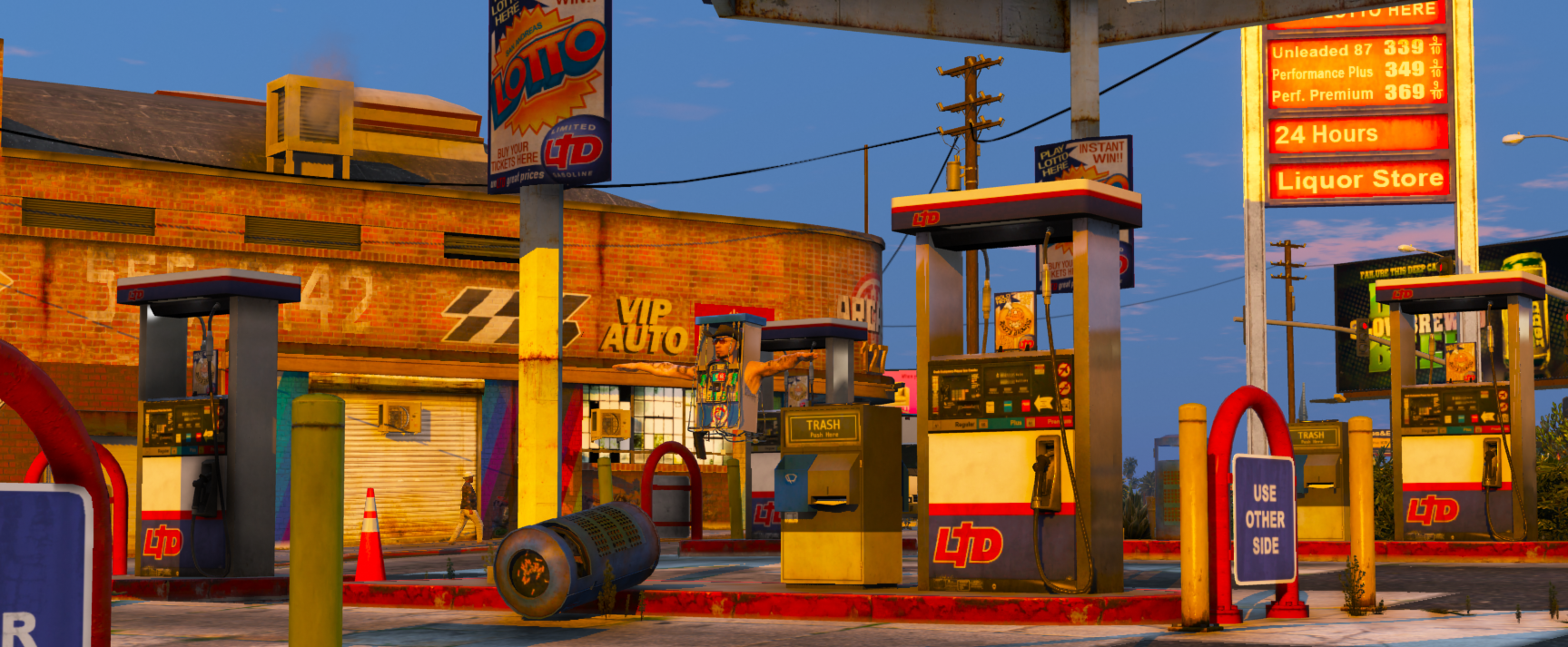
    Does it work with hats? Well I tested it out on some hats and it works with them, might not work with all. What is this? It's a... satellite dish.😂 FiveM Ready? Yes. Why did I do this? I don't know. Need support with this? Join my discord and ask in the support channel. https://discord.gg/kv9kr4GvX9 How do I use this? Well it's under masks so just equip it and that would be about all. Dev Discord: https://discord.gg/kv9kr4GvX9 Do not attempt to unlock, rip, sell, redistribute, or mess with anything in any way shape or form.
  10. Images added to a gallery album owned by SND Studios in GTA V Galleries
    Guess some can say things are about to get heated.
  11. Sound for the pictures 😶
  12.    Bronx reacted to a comment on a gallery album: Prairie Grove Illinois Police
  13.    SND Studios reacted to a gallery album: Cary Illinois Police
    • 42 downloads
    • Version 1.0.0
    Does it work with shirts? I originally made it as a mask and didn't really bother picking a certain shirt to put it on, so unfortunately it doesn't work with most shirts because it would clip through the shirt as far as I know, it could however work with some, but I haven't tested it out with most shirts. What is this? It's a uniform or a mask up to you really. FiveM Ready? Yes. Does it work with pants? It should work with some, most likely not all. Why did I do this? That's a question I don't know but it was released due to a tiny bit of texture issue and just to give people something to mess around with. Need support with this? Join my discord and ask in the support channel. https://discord.gg/kv9kr4GvX9 How do I use this? You will most likely have invisible slots in your EUP simply use those for the shirt, pants and shoes and simply wear this which is under the mask category. Dev Discord: https://discord.gg/kv9kr4GvX9 Do not attempt to unlock, rip, sell, redistribute, or mess with anything in any way shape or form.

Account

Navigation

Search

Search

Configure browser push notifications

Chrome (Android)
  1. Tap the lock icon next to the address bar.
  2. Tap Permissions → Notifications.
  3. Adjust your preference.
Chrome (Desktop)
  1. Click the padlock icon in the address bar.
  2. Select Site settings.
  3. Find Notifications and adjust your preference.