Mehicka
Members
-
Joined
-
Last visited
Everything posted by Mehicka
-
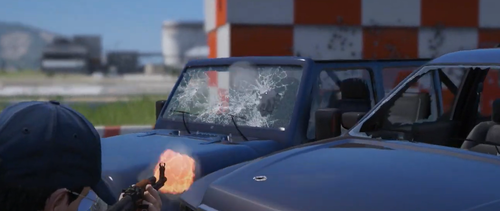 I downloaded and installed it directly without looking at the comments. Afterwards, when I pressed (F4) the game crashed. If anyone experiences this problem; You can delete the files named update and dlc_patch in mods/update/update.rpf and continue where you left off.