



Ryanuve
Members
-
Joined
-
Last visited
Everything posted by Ryanuve
-
 I haven't tested this callout pack enough but Street race callout have always crashed my LSPDFR. RagePluginHook - street race.log
- 202 comments
- 18 reviews
-
- rph
- lspdfr callout
- legacy
- rph
-
Tagged with:
-
 The best pack in my opinion, i absolutely love the K9 FPIU. The cars are heavily detailed.
- 266 comments
- 15 reviews
-
-

- 1
-
-
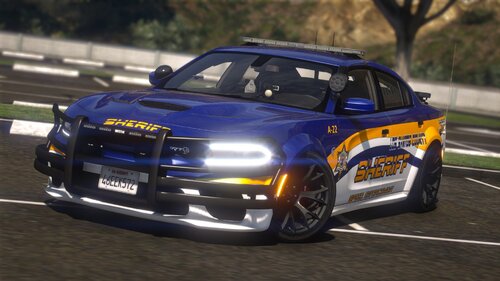 Just noticed that you used an "incorrect" method for dlc installation, you just coppied the modding pack and added your vehicles, that way you just can have your dlc addon or the modding pack installed, the one that goes first in dlclist.xml is the one loading properly in trainer. BTW i love the hellcat 😄
- 76 comments
- 7 reviews
-
-

- 1
-
-
 Sheriff2 becomes invisible after a very short distance, i just see cops floating moving around. I don't know why, happens only with Sheriff2 and no other pack/mod.
- 200 comments
- 16 reviews

