Skip to content
View in the app

A better way to browse. Learn more.

LCPDFR.com

A full-screen app on your home screen with push notifications, badges and more.

To install this app on iOS and iPadOS
  1. Tap the Share icon in Safari
  2. Scroll the menu and tap Add to Home Screen.
  3. Tap Add in the top-right corner.
To install this app on Android
  1. Tap the 3-dot menu (⋮) in the top-right corner of the browser.
  2. Tap Add to Home screen or Install app.
  3. Confirm by tapping Install.

Broddysek

Members
  • Joined

  • Last visited

Everything posted by Broddysek

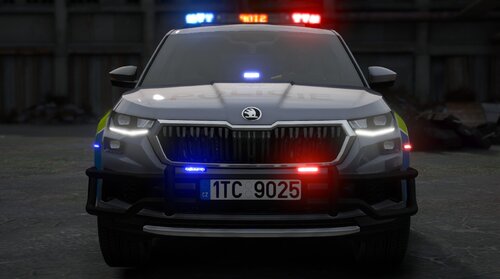
  1. Yees kamo díkyyy, už funguje i na další auta :D jen mám u toho kodiaqa jedno zrcátko stříbrný a druhý černý, ale to už je detail, hlavně že to jede, ještě jednou díky.
  2. Stále mi to padá při spawnu, jak přesně si to udělal, dělá mi to i víc aut, ale většina jede v klidu
  3. Ahoj, prosimtě jak si tam dal toho Kodiaqa že ti nepadá hra nebo co mám změnit v tom audioNameHash aby to nepadalo?

Account

Navigation

Search

Search

Configure browser push notifications

Chrome (Android)
  1. Tap the lock icon next to the address bar.
  2. Tap Permissions → Notifications.
  3. Adjust your preference.
Chrome (Desktop)
  1. Click the padlock icon in the address bar.
  2. Select Site settings.
  3. Find Notifications and adjust your preference.