


lusito
Members
-
Joined
-
Last visited
Everything posted by lusito
-
 Hello, I would like to know how I can lower the speed of the cars because when I accelerate it has a lot of acceleration in between and it takes a long time to brake.
- 255 comments
- 75 reviews
-
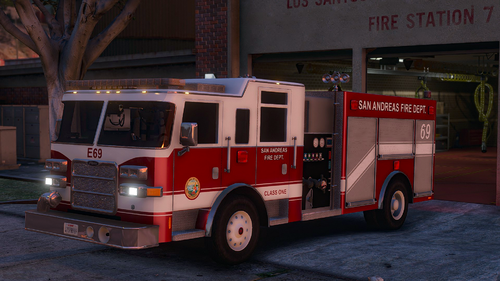 This pack was changed because I remember it was a firetruck, ambulance and a chief?
- 55 comments
- 12 reviews
-
-
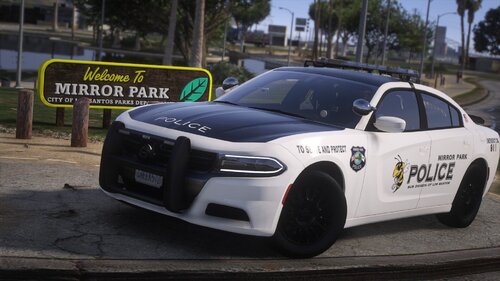 Hello I installed this pack and I do not see the cars as in trainev among others and installed correctly I do not know if any solution.
- 32 comments
- 2 reviews
-
-
-

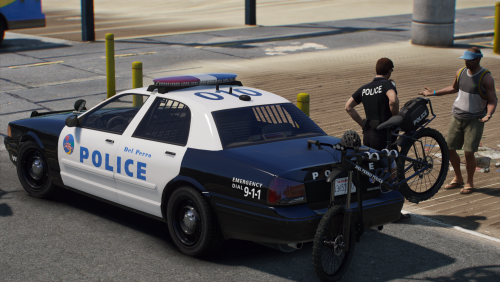

.thumb.png.99a519b4490b6c8348791d4a6f65d2fb.png)