



Hamster's Designs
Members
-
Joined
-
Last visited
Everything posted by Hamster's Designs
-
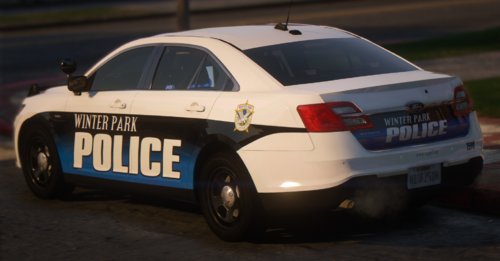 Pretty Much An Exact Copy Of The IRL Vehicle Might Do More In The Future! Discord - Hamster#3799 Discord Community - https://discord.gg/kXVdJ3yeFj
 -
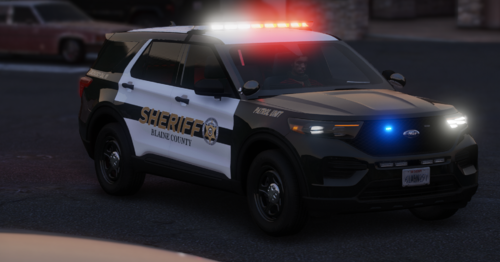 No ELS vehicles were used in these pics.
 -
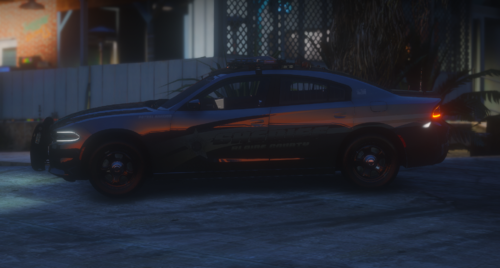 This Is My 8K Blaine County Sheriff's Office Mini Livery Pack Comprised Of A 2020 Explorer, 2021 Tahoe, 2018 Charger, And 2016 Explorer Liveries. Each Vehicle Comes With 4 Different Divisions: Patrol Division Supervisor Canine Division Ghost
 -
Tahoe & Nforce Explorer Are Criibzy's Valor Explorer Is
-
Supported Vehicle Bases Are - Kane's 2020 Explorer Raz3r 2021 Tahoe This Is Still A W.I.P, many more may come... Both Vehicles Have Additional Liveries Such As - Patrol Supervisor Canine Narcotics
-
-
So I recently installed LSPDFR to play on my computer, but whenever I start LSPDFR its crashes. Note I Have No Mods Or Plugins And I'm Up To Date On Script Hook V And Rage Native UI. I've Tried To Put The Plugin Timeout Threshold To 60,000 And Still Didn't Work, And I Enabled Don't Load Any Plugins On Startup As Well And Still Didn't Fix The Crashing. "Grand Theft Auto V Has Crashed! Please Wait While RAGE Plugin Hook Generates A Crash Report." Please Help Rage Plugin Hook Log:


