

SoulZ5529
Members
-
Joined
-
Last visited
Everything posted by SoulZ5529
-
script hook v isn't updated
-
downgraded so I could mod again but rage plugin keeps saying only game version 2612 is supported
-
It was the ultimate backup plugin
-
RagePluginHook.log
-
crashed again RagePluginHook.log
-
what else do i do?
-
I already did that and it worked but it still crashed when I launched the Rage plugin well more like lspdfr keeps crashing \
-
i can't enter gta if i launch it with rageplugin
-
RagePluginHook.log
-
wait do i have to save it?
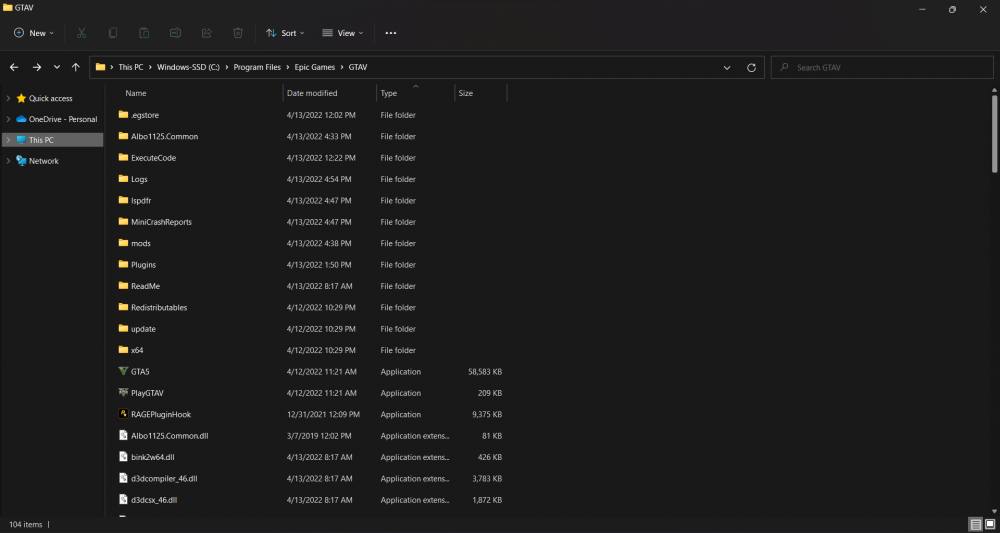
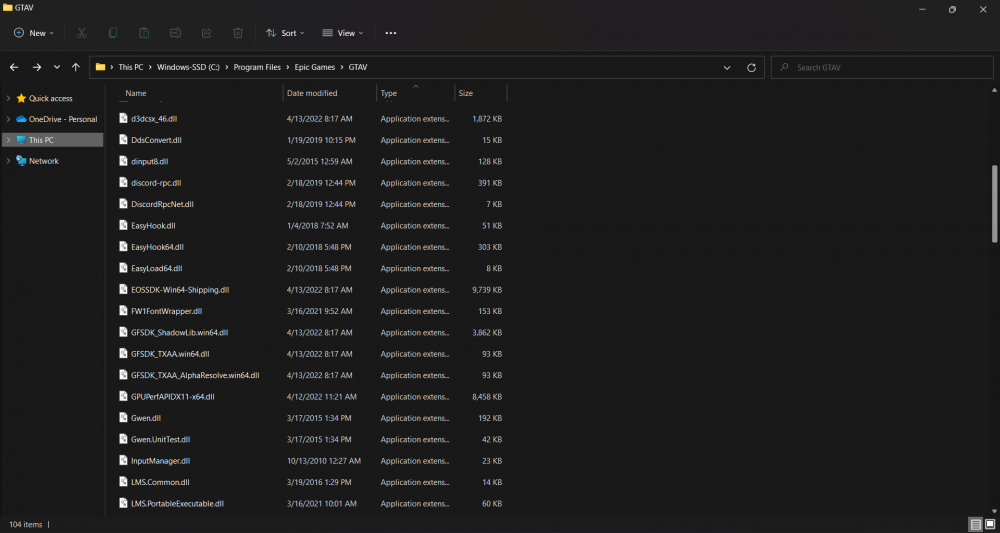
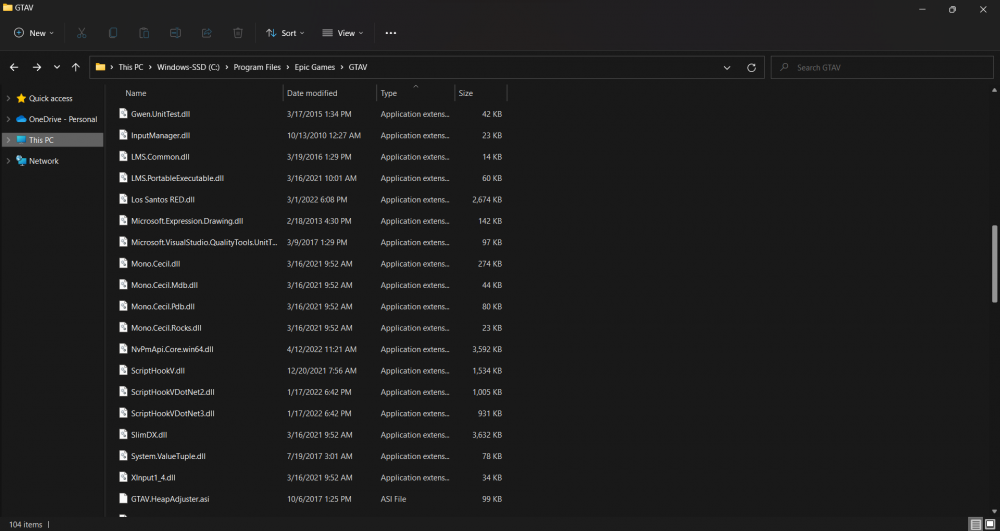
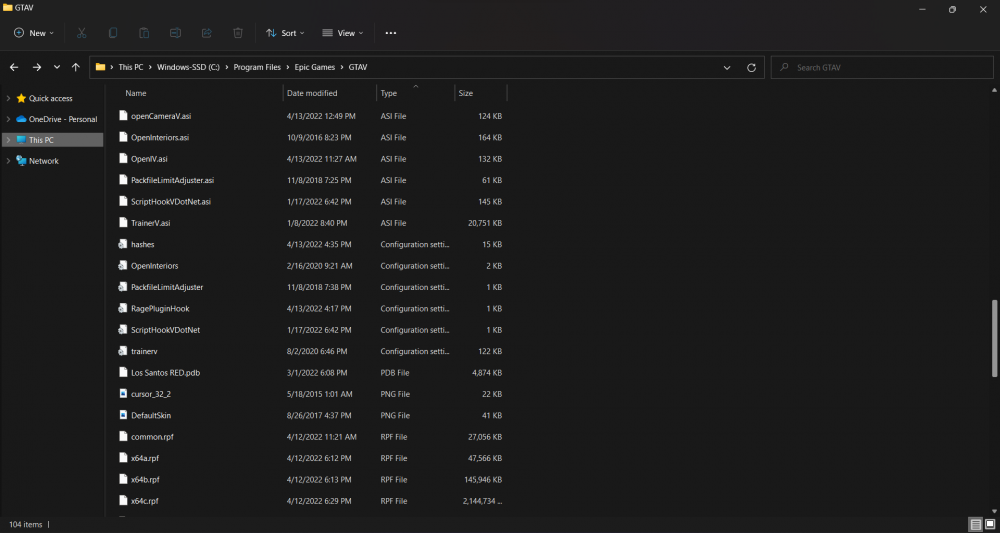
-
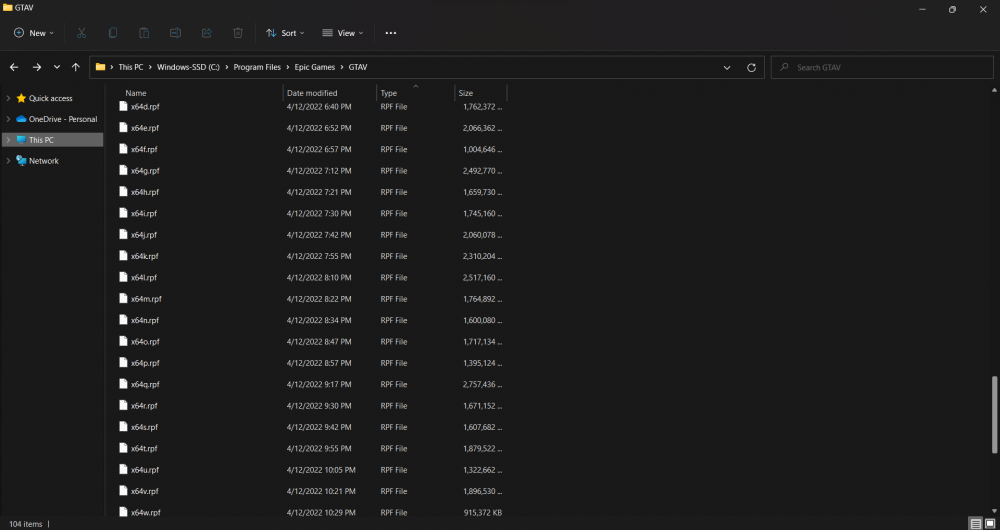
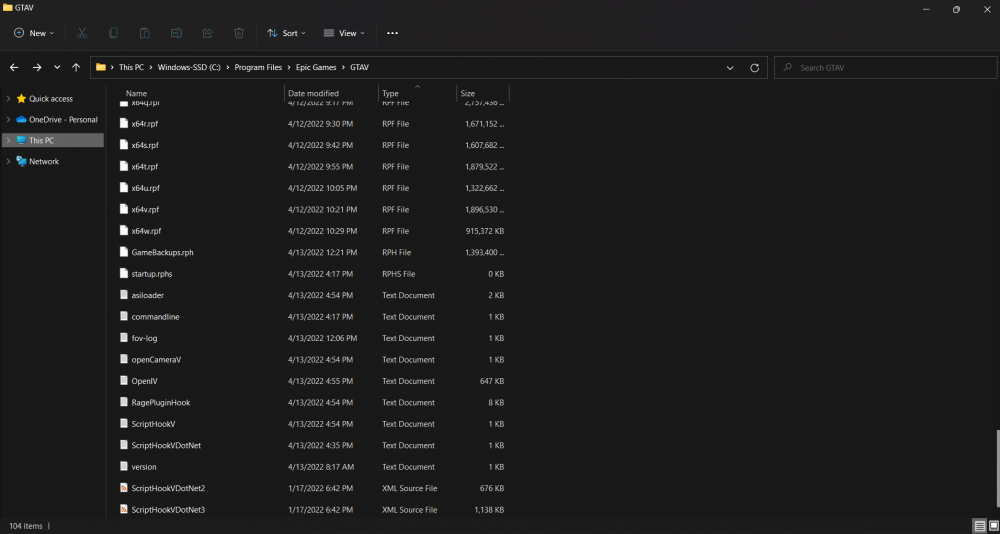
there isnt one in the main directory well there is but it wont let me put it on here
-
crash log is it a random crash?
-
RagePluginHook_13042022_194016.log
-
RagePluginHook_13042022_194016.log
-
How exactly would i install los santos red?
-
im going to make a new mods folder and see if my addon cars was crashing the game or was it the stuff i had to do for eup
-
Thanks, that worked, but can you tell me how you found out?
-
686 callouts, lspdfr, eup menu, compulite, immersive dispatch, PoliceSmartRadio, StopThePed, UltimateBackup, VocalDispatch, ALPRLite, AutomaticSirenCutout, Emergency Callouts, HWYCallouts, els
-
nothing
-
my game keeps crashing after a few seconds of loading
-
RagePluginHook_13042022_091856.log
-
still crashing and no one in the discord is helping me
-
RagePluginHook_12042022_030618.log
-
i already tried removing all plugins and mods/scripts
-
yes i have all of the above except for enable