




Carrythxd
Members
-
Joined
-
Last visited
Everything posted by Carrythxd
-
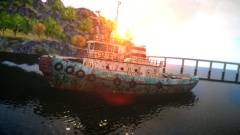
From the album: Carrythxd's Pics [IV]
-
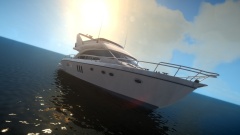
From the album: Carrythxd's Pics [IV]
-
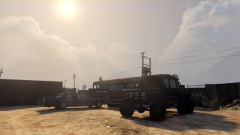
From the album: Carrythxd's Pics [V]
-
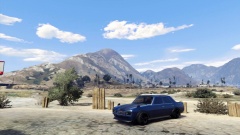
From the album: Carrythxd's Pics [V]
-
Happy birthday dude! :D
-
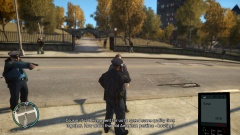
From the album: Carrythxd's Pics [IV]
-

From the album: Carrythxd's Pics [IV]
-
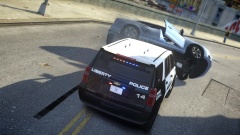
From the album: Carrythxd's Pics [IV]
-
-
-
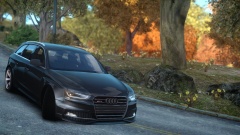 Thanks!
 -
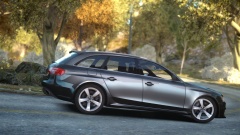 Well the ENB will be released some day so I just recommend waiting for that xD Lol :P
 -
From the album: Carrythxd's Pics [IV]
-
From the album: Carrythxd's Pics [IV]
-
Happy birthday!
-
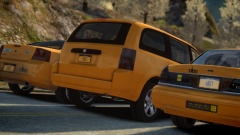 Yep yep, hoping to release it in the next few days :) Thank you :)
 -
-
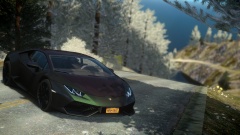
From the album: Carrythxd's Pics [IV]
-
From the album: Carrythxd's Pics [IV]
-
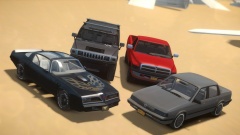
From the album: Carrythxd's Pics [IV]
The Ram was released in 2009, the H2 & Trans Am in 2010 and the Cutlass Ciera in 2011. So they're pretty old models but I think they fit the vehicle pack perfectly :D -
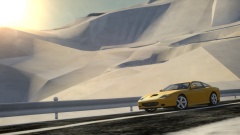 Thanks, Akina
 -
From the album: Carrythxd's Pics [IV]
-
My favorite GTA IV car mod has to be the '02 Ferrari 575M Maranello by smokey (released back in 2011), I haven't used it in a long time but it was the only car mod I used back in 2012/early 2013 and I just loved it haha :P I had completely forgot about the car until I saw this thread lol And, I have to get it back in my game :D
-
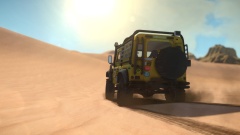 Thanks! And nope, its DesertIV Final
 -
From the album: Carrythxd's Pics [IV]


