




Carrythxd
-
Joined
-
Last visited
Everything posted by Carrythxd
-
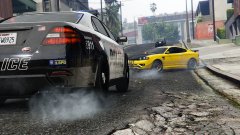
From the album: Carrythxd's Pics [V]
-

From the album: Carrythxd's Pics [V]
-

From the album: Carrythxd's Pics [V]
-
From the album: Carrythxd's Pics [V]
-
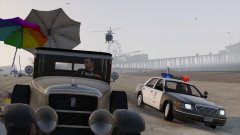
From the album: Carrythxd's Pics [V]
-
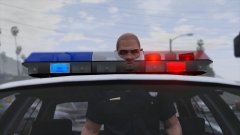
From the album: Carrythxd's Pics [V]
-

From the album: Carrythxd's Pics [V]
-
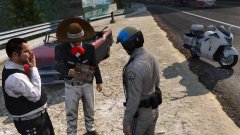
From the album: Carrythxd's Pics [V]
-

From the album: Carrythxd's Pics [V]
-
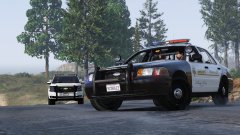
From the album: Carrythxd's Pics [V]
-
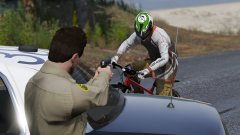
From the album: Carrythxd's Pics [V]
-
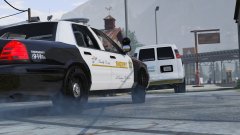
From the album: Carrythxd's Pics [V]
-
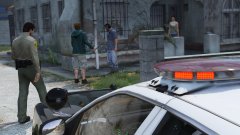
From the album: Carrythxd's Pics [V]
-
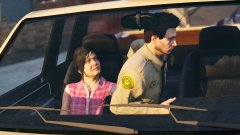
From the album: Carrythxd's Pics [V]
-
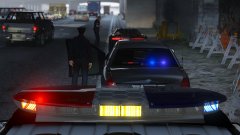
From the album: Carrythxd's Pics [V]
-
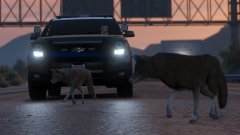
From the album: Carrythxd's Pics [V]
-
 Open the vehicles.meta file (\update.rpf\common\data\levels\gta5\vehicles.meta), search for "<modelName>policeb" and then look for a line that says "<audioNameHash />". Change that line so it says "<audioNameHash>HAKUCHOU</audioNameHash>", however doing this will make the sirens go silent... I don't really know why it does that, but it seems to do it for pretty much every police vehicle =/
- 102 comments
- 28 reviews
-
-

- 1
-
-
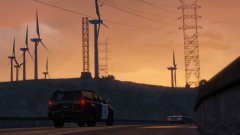
From the album: Carrythxd's Pics [V]
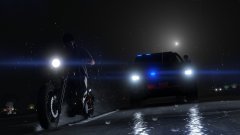
From the album: Carrythxd's Pics [V]
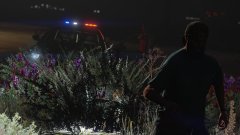
From the album: Carrythxd's Pics [V]
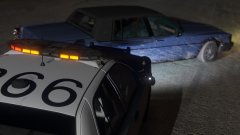
From the album: Carrythxd's Pics [V]
 Thanks!



