




Carrythxd
-
Joined
-
Last visited
Everything posted by Carrythxd
-
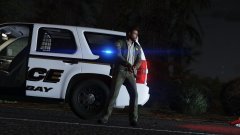
From the album: Carrythxd's Pics [V]
-
-
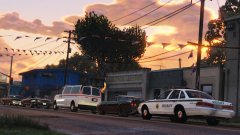
From the album: Carrythxd's Pics [V]
-
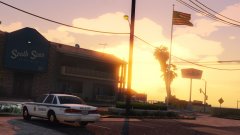
From the album: Carrythxd's Pics [V]
-
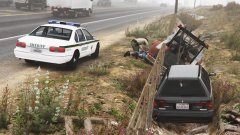
From the album: Carrythxd's Pics [V]
-
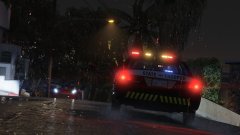
From the album: Carrythxd's Pics [V]
-
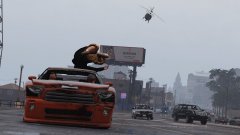
From the album: Carrythxd's Pics [V]
-
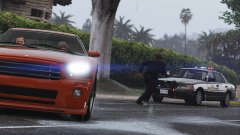
From the album: Carrythxd's Pics [V]
-
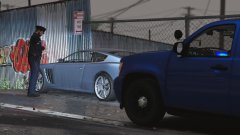
From the album: Carrythxd's Pics [V]
-
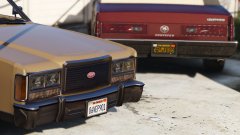
From the album: Carrythxd's Pics [V]
-
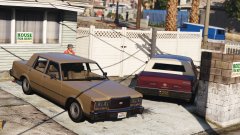
From the album: Carrythxd's Pics [V]
-
No problem! Glad you got it fixed.
-
Can you pull people over with the "fbi3" car? If you can, just copy paste the line of that car and rename "fbi3" to match the other vehicles that you have in the DLCPack (for example if you have a model with the name "police10", copy paste the "fbi3" line and replace the "fbi3" with "police10". Other than that, everything looks good, so I don't really know what could be causing the problem.
-
Do you have a carvariations.meta line for the add-on vehicle? If you do, you need to change the <sirenSettings> value to one of the ones that GTA V vanilla police vehicles, you can find the values that work, here. As for the vehicles.meta, as long as you have "FLAG_LAW_ENFORCEMENT FLAG_EMERGENCY_SERVICE" you should be good. With those changed you should be able to start pulling people over.
-
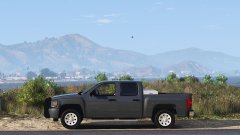
From the album: Carrythxd's Pics [V]
-
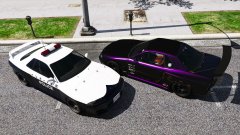
From the album: Carrythxd's Pics [V]
-
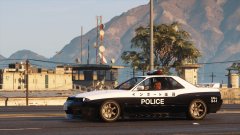
From the album: Carrythxd's Pics [V]
-
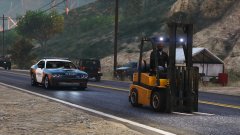
From the album: Carrythxd's Pics [V]
-
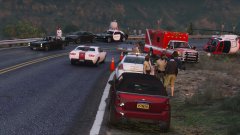
From the album: Carrythxd's Pics [V]
-
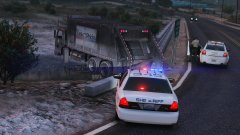
From the album: Carrythxd's Pics [V]
-
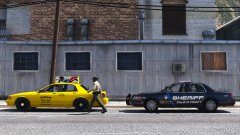
From the album: Carrythxd's Pics [V]
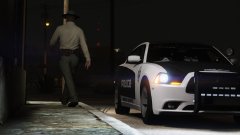
From the album: Carrythxd's Pics [V]
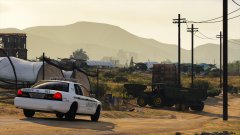
From the album: Carrythxd's Pics [V]
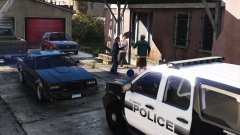
From the album: Carrythxd's Pics [V]



